

What this page answers
How to reach SellerDragon when something is wrong or unclear, and where the answer shows up.
Whose data and scope
- Tickets are per user: you see your own. Read-only users can file tickets too; support is not a data change.
- Every message in a ticket is also sent by email, and you can answer by replying to that email; the reply lands in the thread here.
- The page you came from is recorded with a new ticket, so support knows which screen you were on.
How to read it
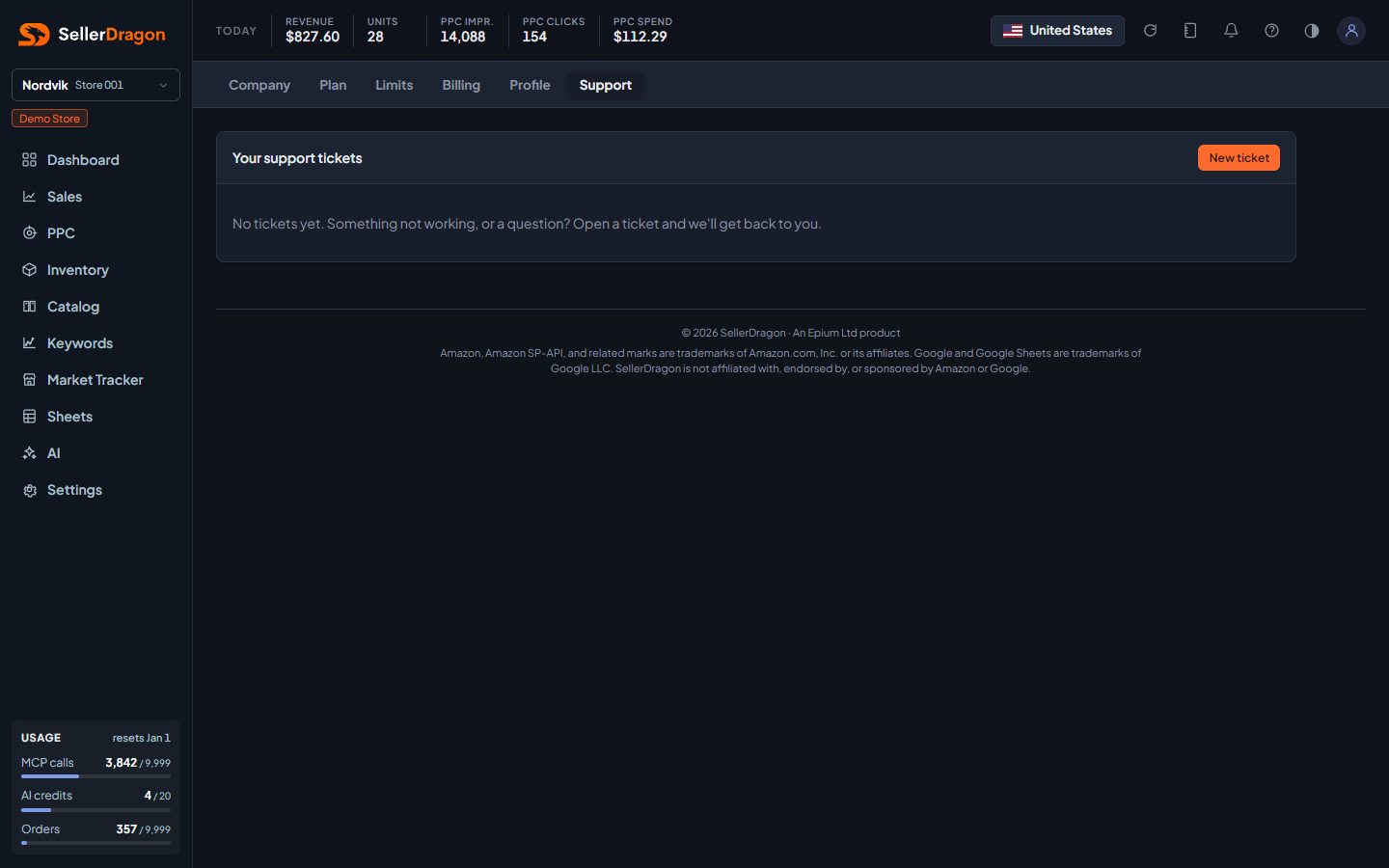
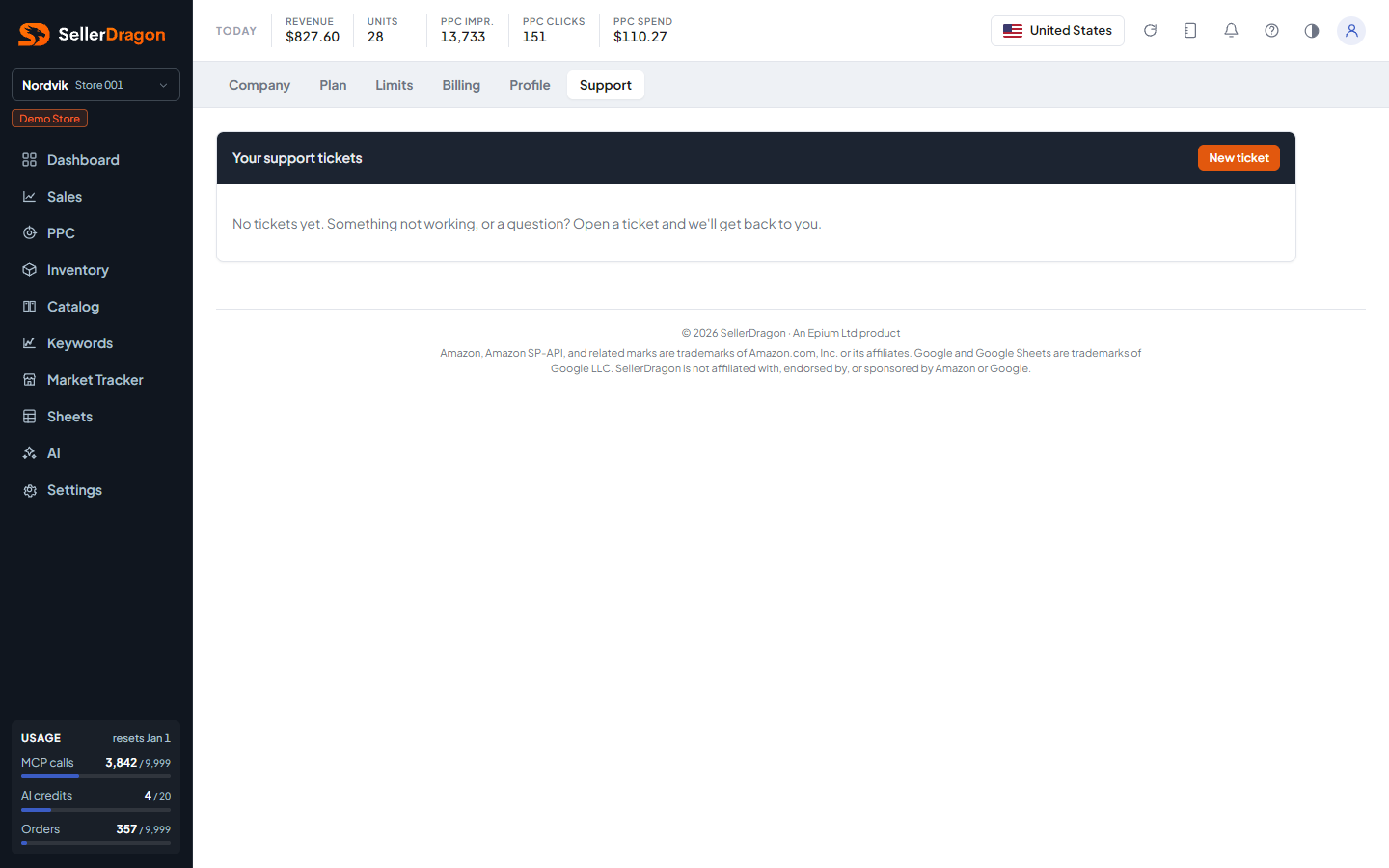
Your support tickets
One row per ticket with its reference (SD- followed by digits), subject, status and last update. Click a row to open it.
New ticket
A subject, the Amazon account it concerns (optional, preselected to the store you have open), a description, and optional screenshots or files. Submit sends it and shows the thread.
Ticket thread
The messages in order. Reply adds to the thread; attachments are optional. A solved ticket says so at the top; replying reopens it. Tickets that stay quiet after being answered are closed automatically after a while, and a reply reopens those too.
Where to go next
- Messages for announcements and alerts from SellerDragon.
- Amazon Connections for a store that paused or disconnected.
Something on this page unclear?
Ask us how