

What this page answers
Where your buyers are. Useful for FBA placement, regional advertising and spotting a market you did not expect.
Whose data and scope
- One store, US marketplace only. The map is drawn for the United States; other marketplaces show no data here.
- Orders are counted by ship-to city and state over the last 30, 90 or 365 completed days (today is left out). Cancelled lines are excluded. Sales is unit price times quantity, the same basis as the other Sales pages.
- City positions come from the US Census places list. Orders shipping to a town that has no Census match count in their state only; the note under the map gives that share. Alaska and Hawaii are in the lists but not drawn.
How to read it
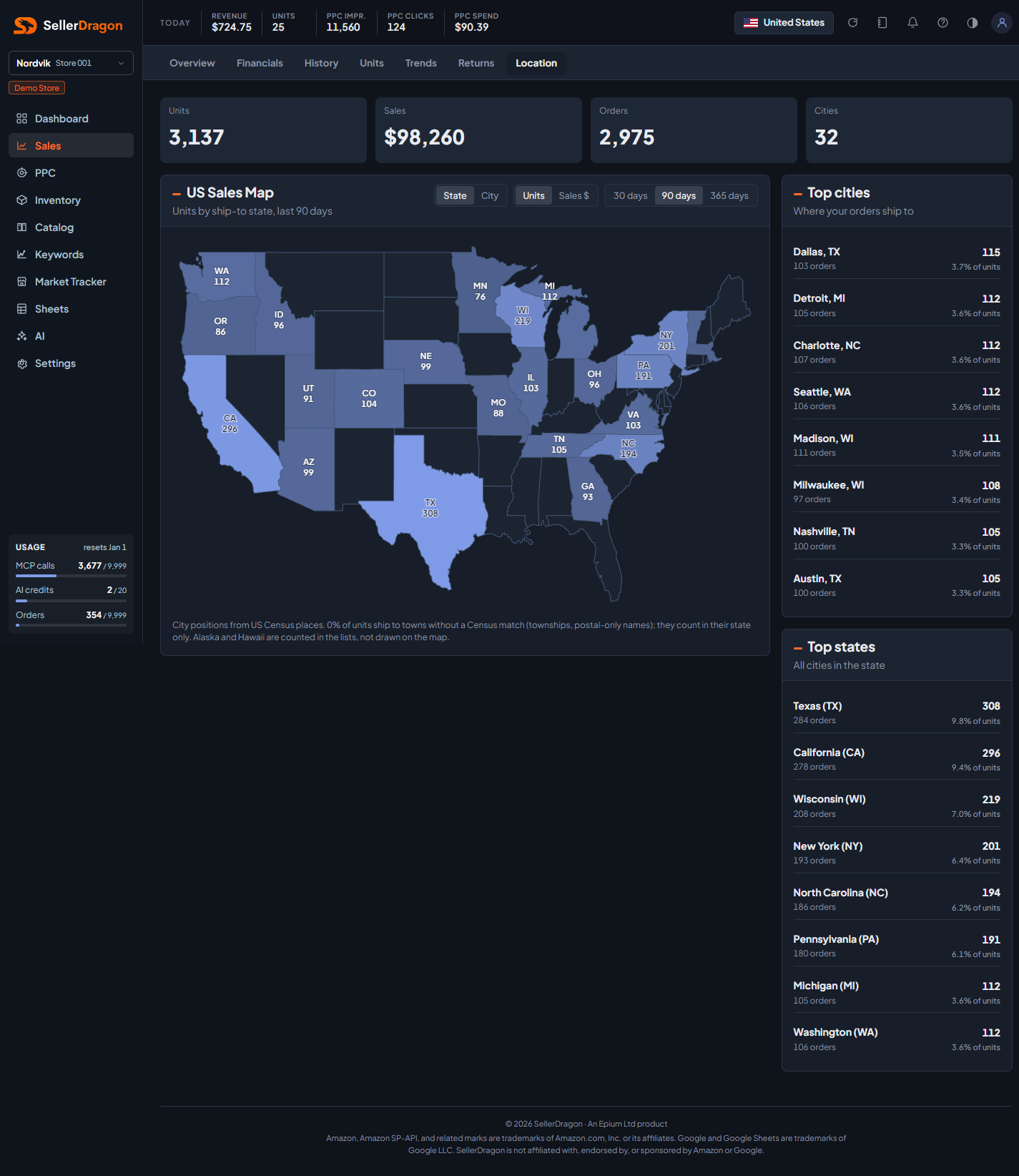
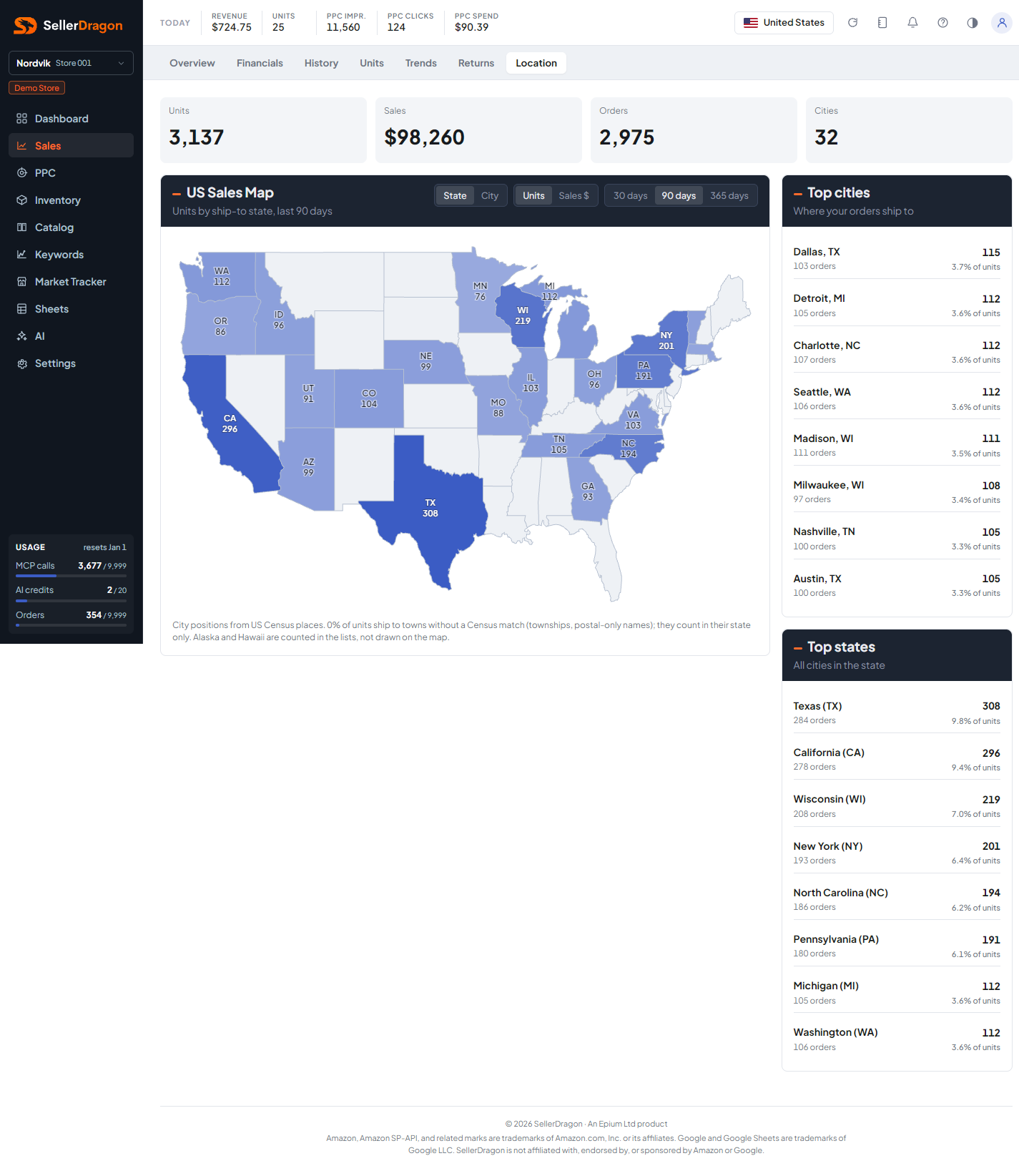
US sales map
The four tiles at the top are the window totals: units, sales, orders and the number of distinct cities.
Two switches control the map. State / City chooses the layer: states shaded darker the more they sell, or city bubbles sized by volume on plain states. Units / Sales $ chooses the metric. Your choice is remembered in the browser. Hover a state or bubble for its figure.
Top cities and top states
Both lists rank by the chosen metric and show each row's share of the total. The city list is the finest grain available; Amazon does not give street addresses to this dashboard.
Where to go next
- Sales overview for totals over time.
- Inventory location to compare where stock sits with where it sells.
Something on this page unclear?
Ask us how