

What this page answers
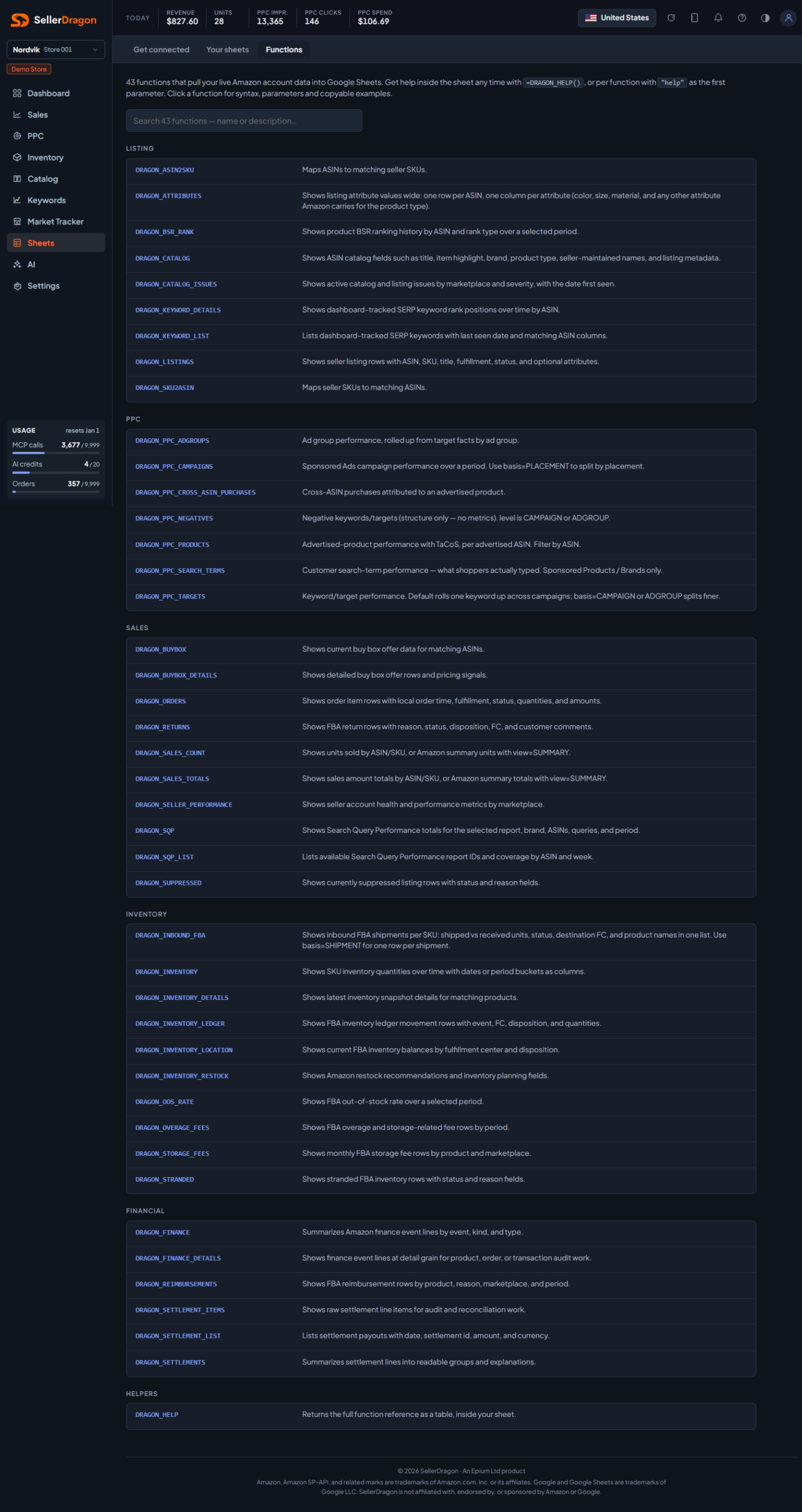
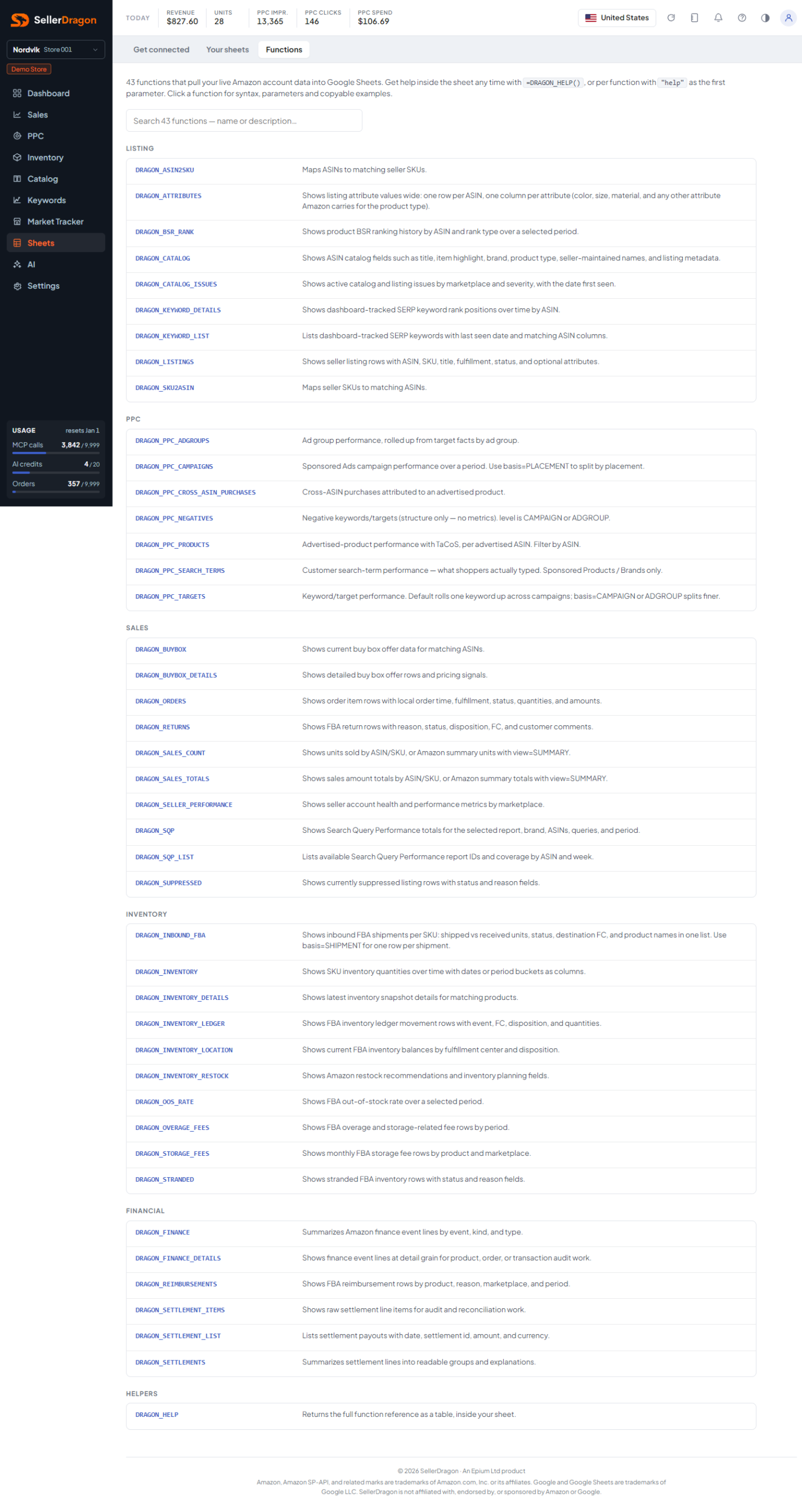
What each DRAGON function does and how to write it.
Whose data and scope
- The reference is generated from the function definitions that also power the in-sheet help and the help site, so the three never disagree. The page displays; it defines nothing.
- Functions pull live data for the stores your key can see.
How to read it
Function groups
Functions are grouped by area (Listing, Sales, Inventory, Financial, Helpers). Each entry shows the syntax with optional parameters marked, a short description, the parameters, the columns it returns, and copyable examples. Copy buttons next to formulas copy the formula text.
Where to go next
- Get connected if a formula returns no data yet.
- The Sheets section of the help site for the same reference with parameter and period references.
Something on this page unclear?
Ask us how