

What this page answers
What you are paying, with what card, and how to stop.
Whose data and scope
- The whole account; account owners only.
- Cards are entered in Stripe's own payment form inside the page, so SellerDragon never sees card numbers. Adding a card may ask your bank to confirm.
- Invoices carry the next period's plan in advance plus the ended period's overage. Within the first 14 days the cancel dialog offers a full refund of the first payment instead, minus any overage already used.
How to read it
Usage and next invoice
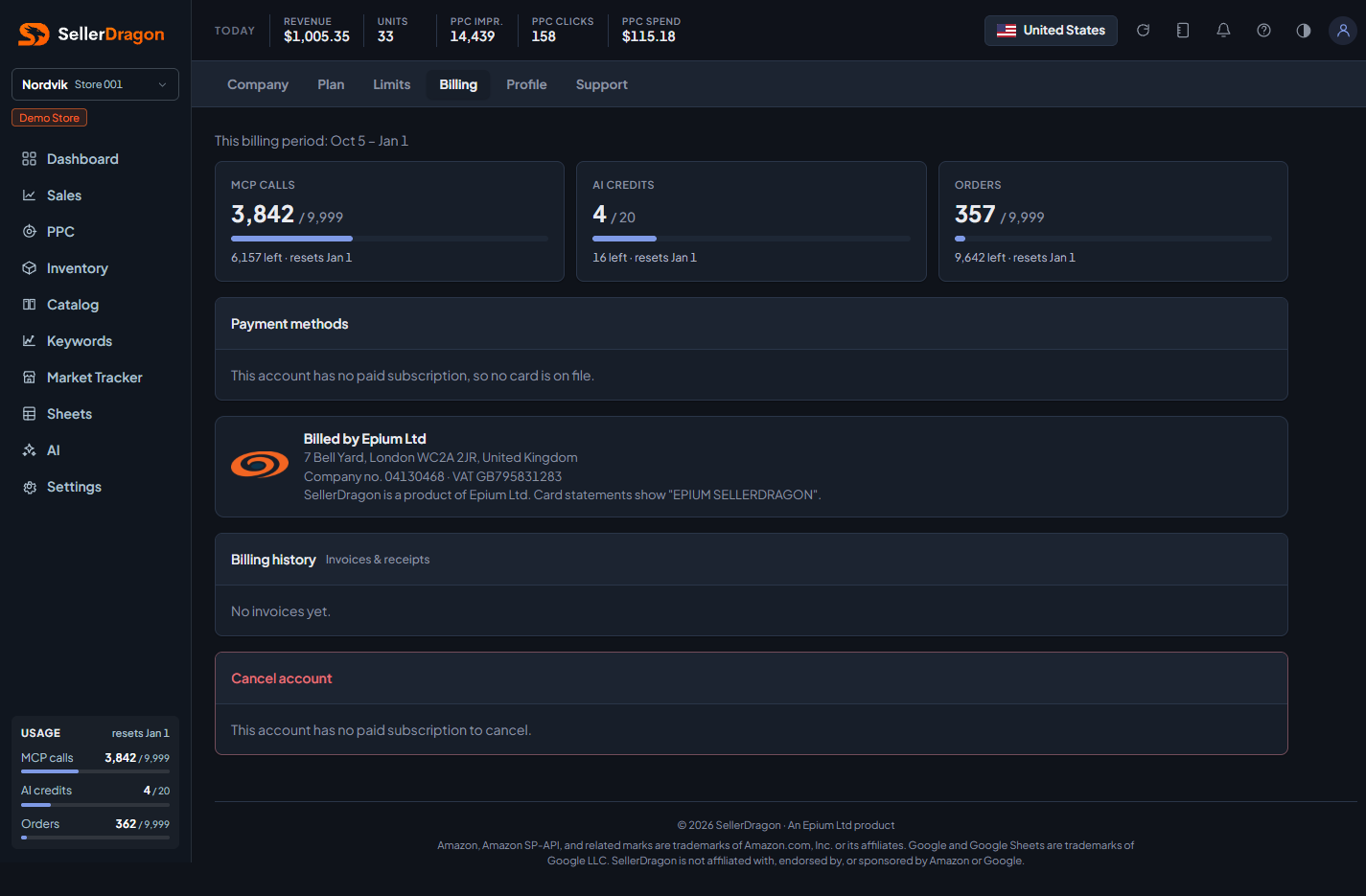
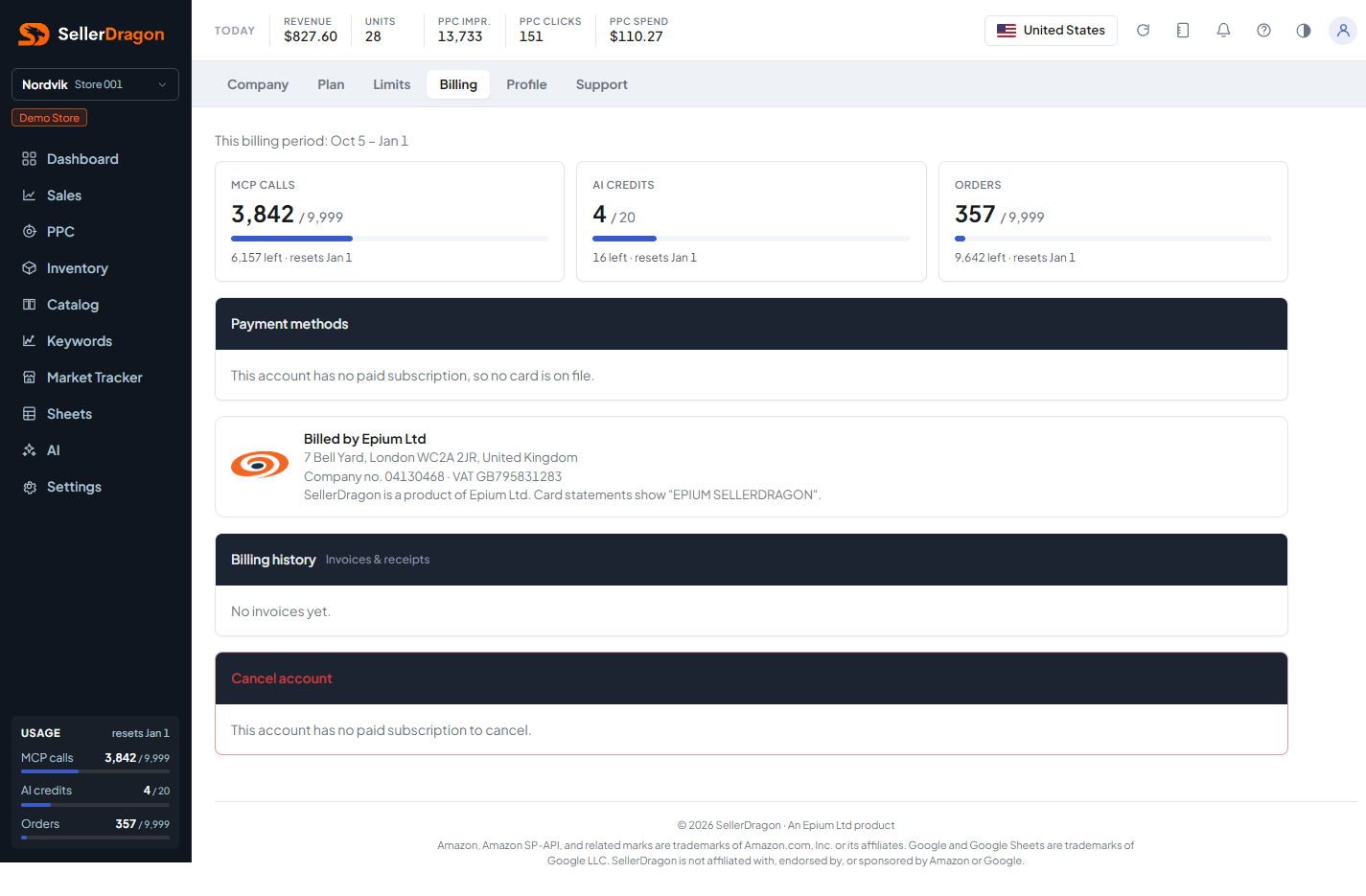
The same usage tiles as the Limits page, plus a fourth tile with the upcoming invoice: amount and date, and what it is made of when there is overage or a coupon.
Payment methods
The cards on file with the default marked. Add card opens the form; a new card becomes the backup, or the default when there was none. A default card can only be removed once another is on file.
Billing history
Every invoice and receipt with date, total and status, each downloadable.
Cancel account
Cancelling keeps everything working until the end of the paid period and stops further charges. After that you can only log in to reactivate. Your data and Amazon connection are kept for the retention period shown, then the Amazon connection is revoked and the data is permanently deleted. A cancelled subscription can be resumed from the same card until the period ends.
Where to go next
- Plan to change plan rather than cancel.
- Limits for the overage switches that affect the next invoice.