

What this page answers
Which plan you have, what it includes, and what changing it costs and when it takes effect.
Whose data and scope
- The whole account; account owners only. Other users see their usage on the Limits page instead.
- A plan is identified by its name only. Prices are shown in the account's billing currency, and times in the account's local time, taken from the company's billing address.
- Whether a switch is an upgrade or a downgrade is decided by price per day, the same rule the dialog uses.
How to read it
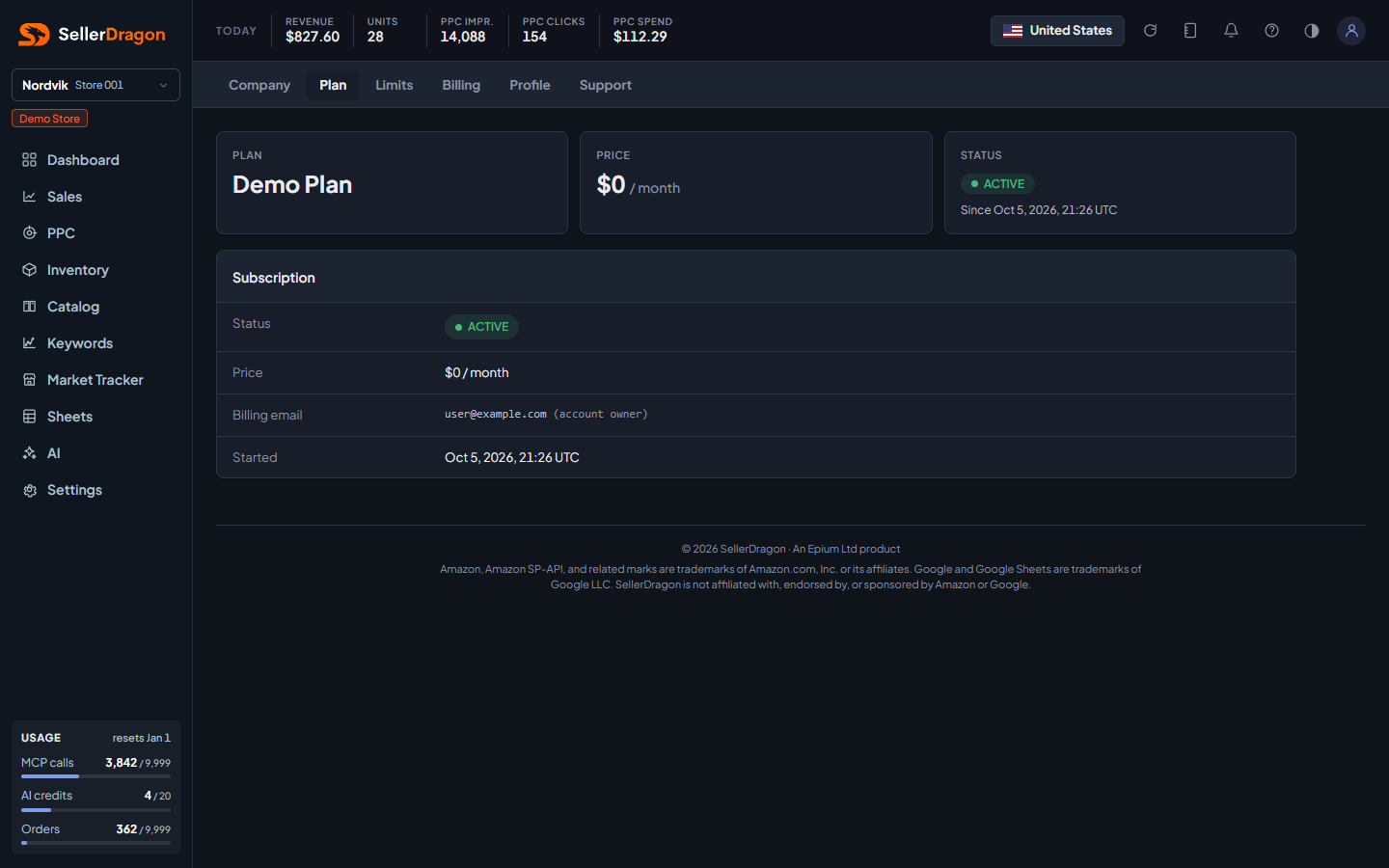
Subscription
The current plan, its price and billing period, the status and the next renewal. An active coupon is shown with the percentage off and how many invoices it still applies to.
Plans
One row per available plan with its price after any coupon, its limits, and a button that says what the switch is. Upgrades apply now; downgrades apply at the next billing date.
Tabs and popups
Change plan dialog
An upgrade starts today: the unused part of the current plan is credited and the billing date moves to today; your bank may ask you to confirm the payment. A downgrade is scheduled: you keep the current plan until the period ends and pay the new price from then, nothing now. When the new plan's limits are lower than what you are using, the dialog lists what to remove first; tracked keywords above the new limit keep running until the switch and are then switched off, least useful first.