

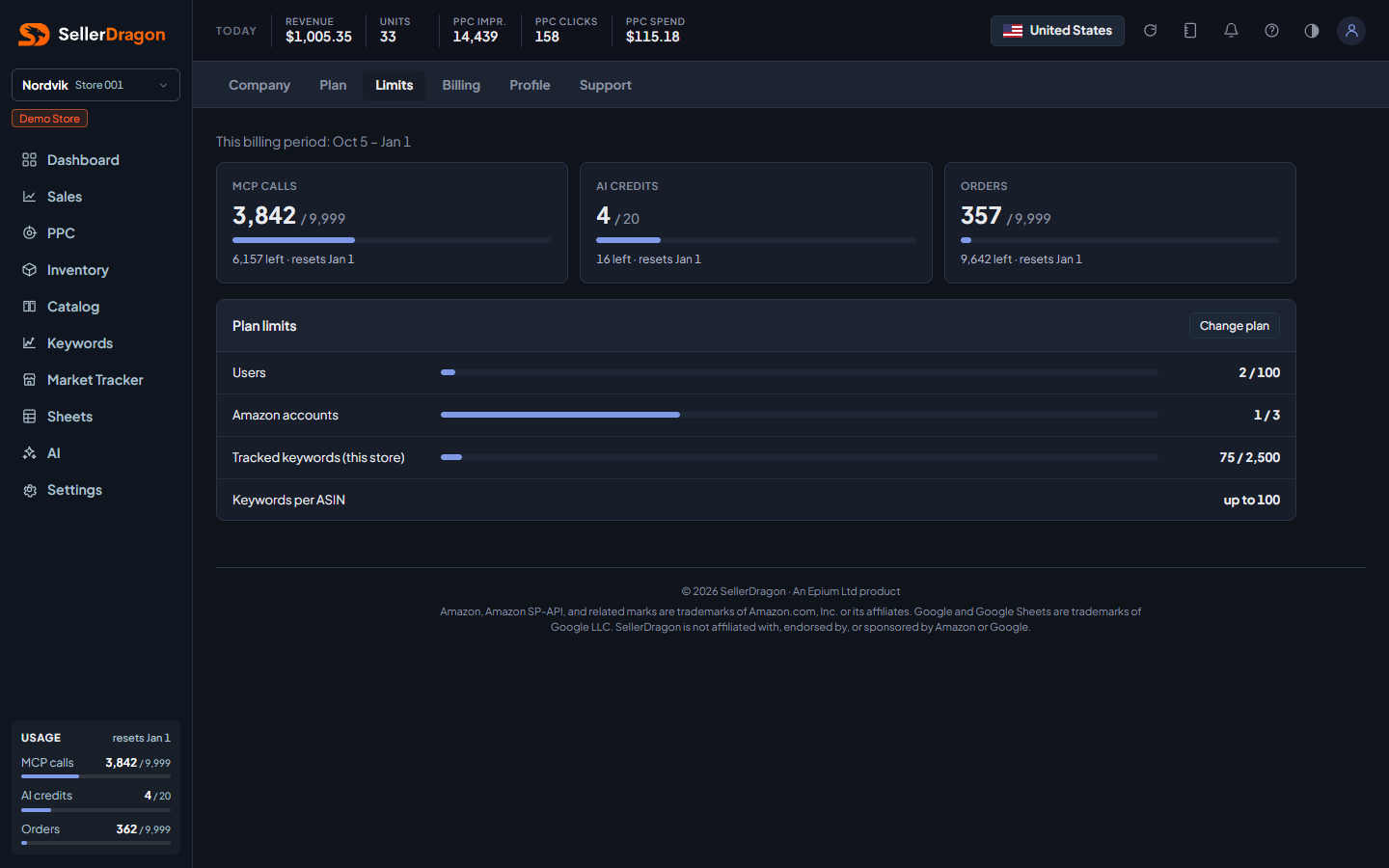
What this page answers
How much of the plan's allowance you have used this billing period, what happens when an item runs out, and what the plan caps.
Whose data and scope
- The whole account. The period is the current billing period, printed above the tiles, and counters reset on its last day.
- Metered items depend on the plan, for example MCP calls, AI credits and orders. Orders are counted from your order data, cancellations included, so the count never goes down.
- Everyone can see the page. Only the account owner can change the overage switches.
- The same tiles appear in the sidebar on every page.
How to read it
Usage tiles
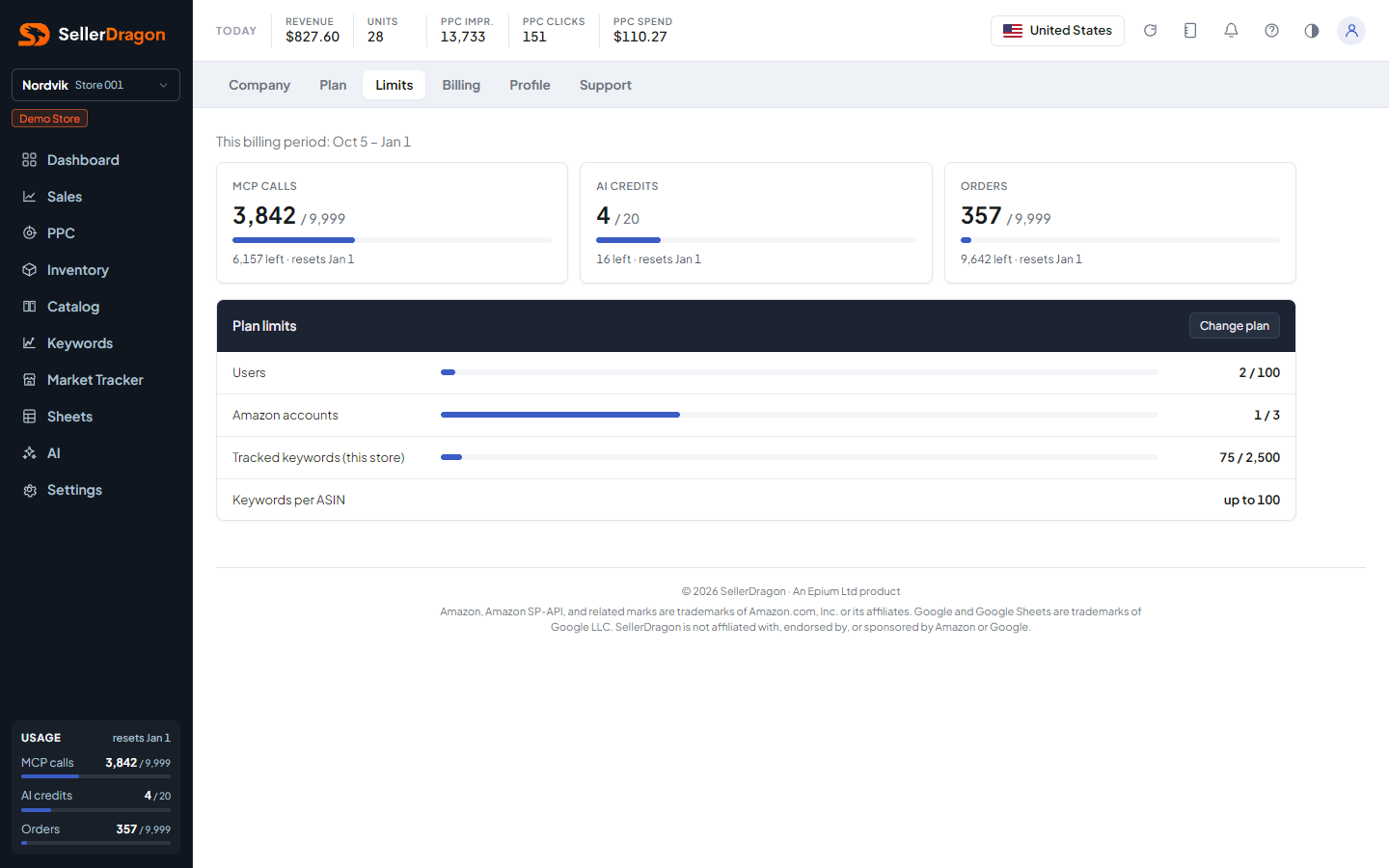
One tile per metered item: used against included, a thin bar, and a footer saying what happens now. The bar turns amber from 90 percent, and red when the item has stopped at its limit. An item billed past its allowance stays amber and says what it has cost so far.
Overage switches
One row per metered item with a price. Off (the default) means the item stops at 100 percent until the period resets, and nothing is charged. On means usage beyond the allowance continues and is billed per use at the price shown, on the next invoice. Turning one on asks for confirmation. Orders have no switch: they are never stopped, and beyond the allowance each one is billed.
Plan limits
The plan's fixed caps that are not metered, such as stores, users and tracked keywords, each as used against limit. The owner sees a link to change plan, since these caps are what a plan change moves.