

What this page answers
Your own login and contact details. Everything here is about you, not the account.
How to read it
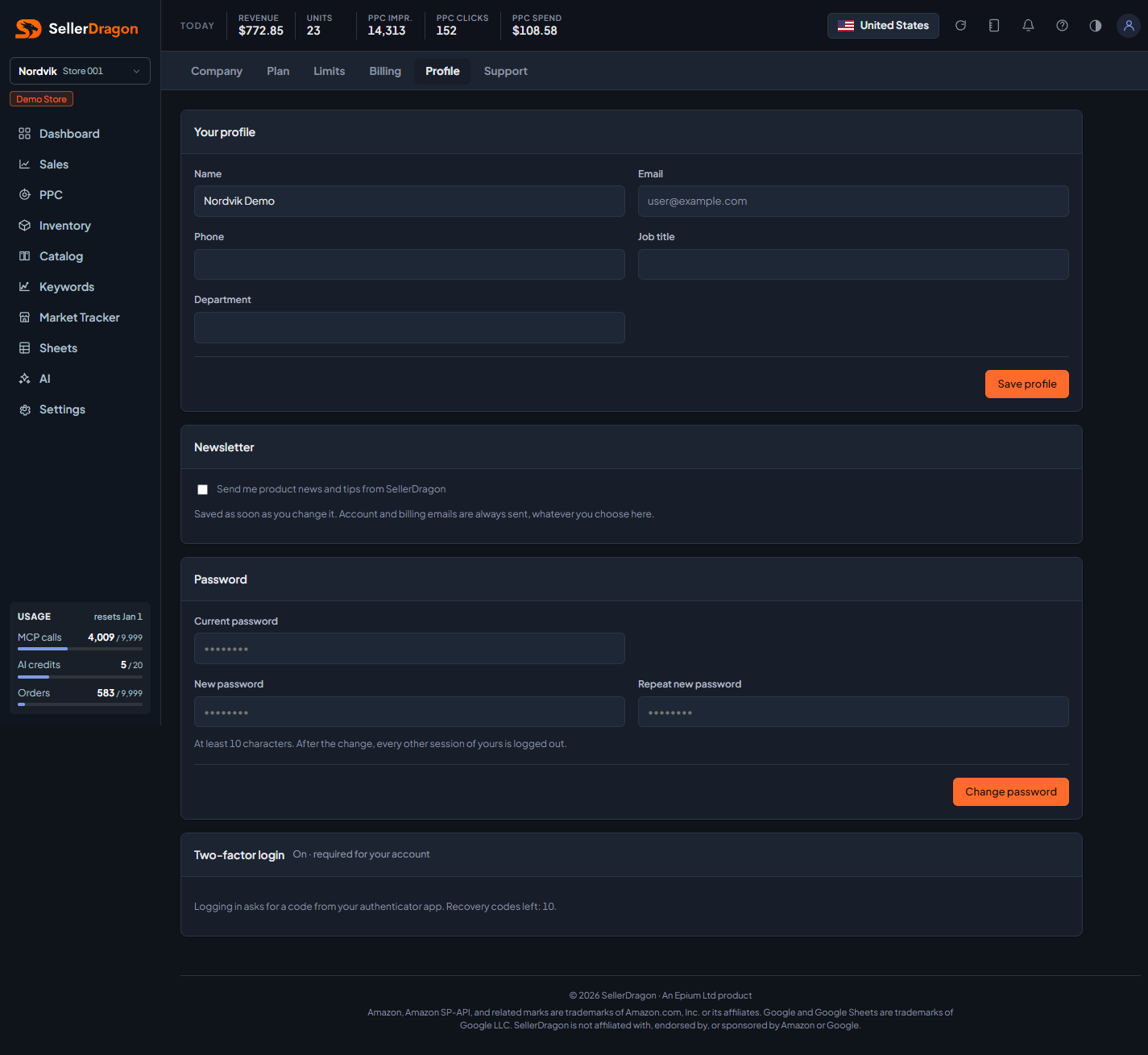
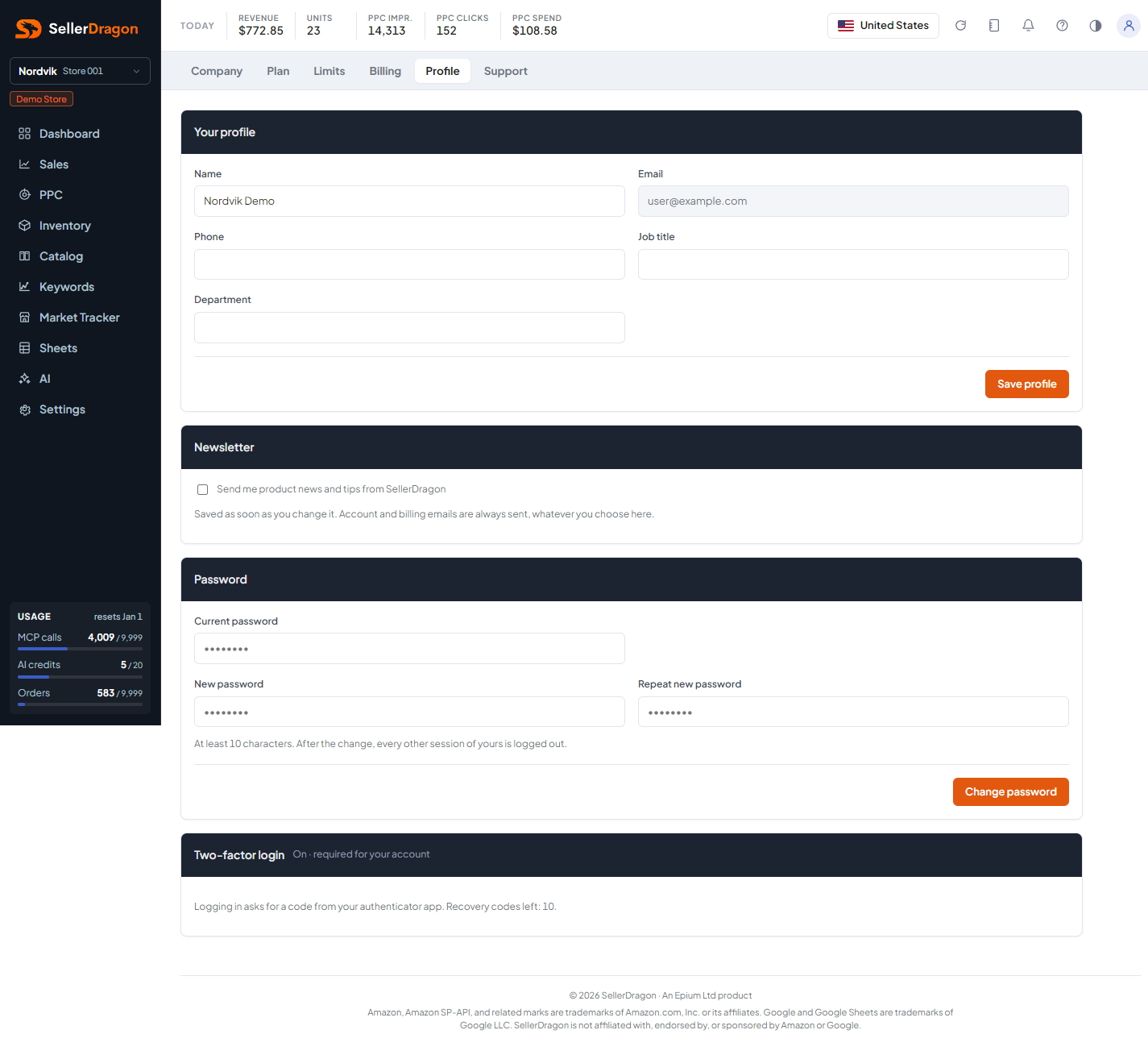
Your profile
Name, phone, job title and department, saved with Save profile. The email is your login and cannot be changed here.
Newsletter
One checkbox for product news and tips. It saves itself the moment you tick or untick it; the card header confirms with "Saved". Account and billing emails are always sent whatever you choose here.
Password
Changing your password has its own form and its own button. Type your current password, then the new one twice. The new password needs at least 10 characters and both entries must match, otherwise nothing changes and the form tells you why. After the change every other session of yours is logged out on its next request; the one you changed it from stays logged in.
Two-factor login
When on, logging in asks for a code from your authenticator app; the card shows how many recovery codes are left. Turn it on by adding the code from your app. Turning it off is refused while it is required for you, which is always the case for account owners and for users whose invite required it.