

What this page answers
Who can log in, what they can do, and which stores they can see.
Whose data and scope
- The whole account, all stores. Only the account owner manages users; others see the lists.
- Seats are active users plus pending invites, against the plan's user limit. At the limit the invite button is disabled.
- Write permissions is one switch: off means read-only, on means the user can make changes, including changes that go to Amazon. Owner and admin roles are managed separately.
- An invite is a one-time link. Whoever opens it first can join, with any email address. Nothing is sent from SellerDragon's servers; you send the link yourself.
How to read it
Invite a user
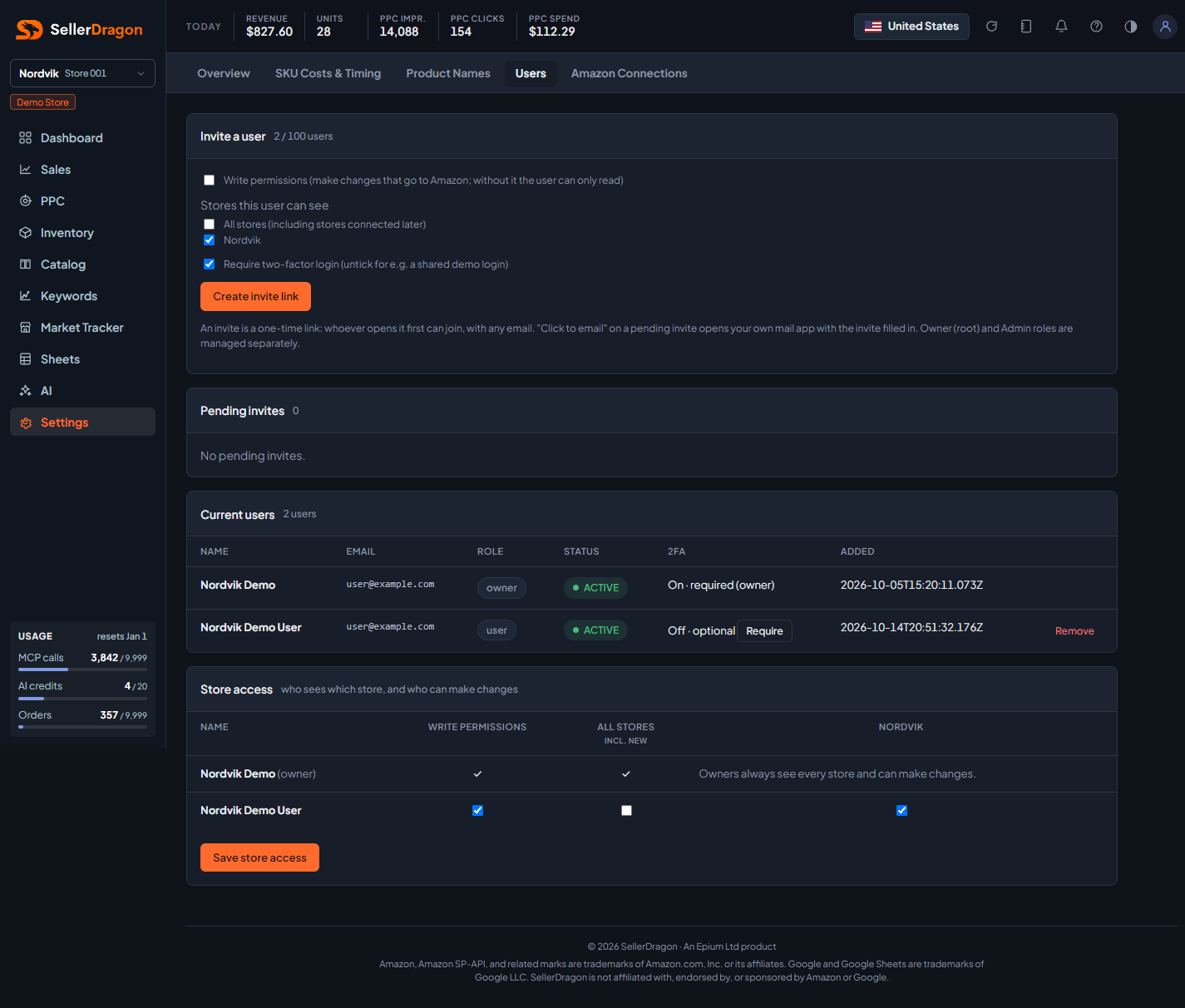
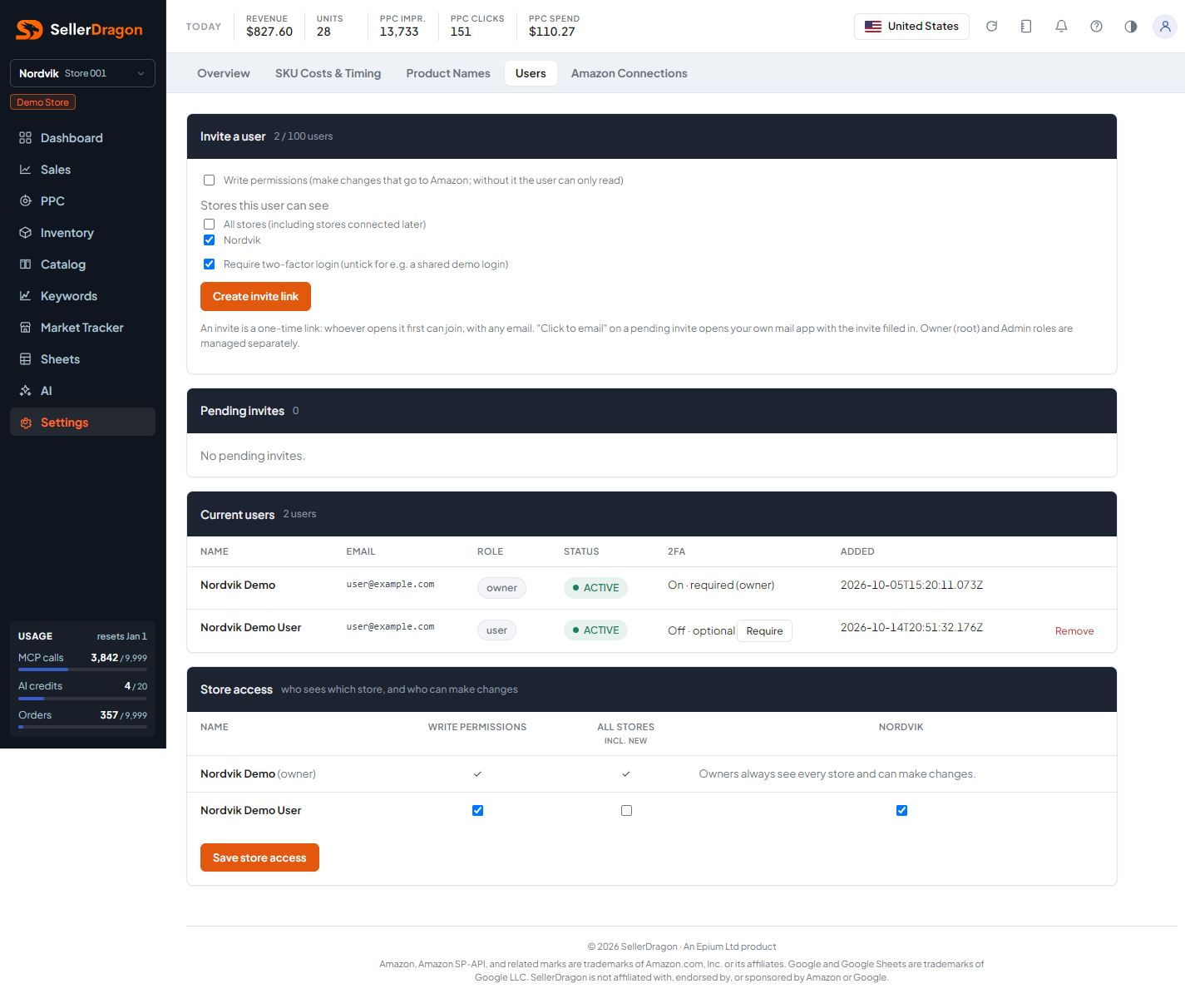
Choose the access (read-only or with write permissions) and the stores (All stores, including ones connected later, or a selection), then create the invite. The header shows seats used against the limit.
Pending invites
Each open invite with its access, stores, whether two-factor login will be required, when it expires and when it was created, plus the link. Click to email opens your own mail app with the invite filled in; you pick the recipient.
Current users
Name, email, role, status, two-factor state and when they were added. The owner can switch the two-factor requirement for a non-owner (owners always need it), remove a user (kept as inactive for history; their access ends everywhere at once and the seat frees), and restore a removed user while a seat is free.
Store access
One row per non-owner user: the write-permissions switch, All stores (including new ones), and otherwise one checkbox per store. Changes apply at once; Sheets connections pick them up on their next refresh.
Where to go next
- Amazon Connections to add the stores users can be given access to.
- Profile for your own password and two-factor login.
- Plan when you need more seats.