

What this page answers
What do I sell, how is each product set up on Amazon, and how is it doing. It is the entry point to every per-product page.
Whose data and scope
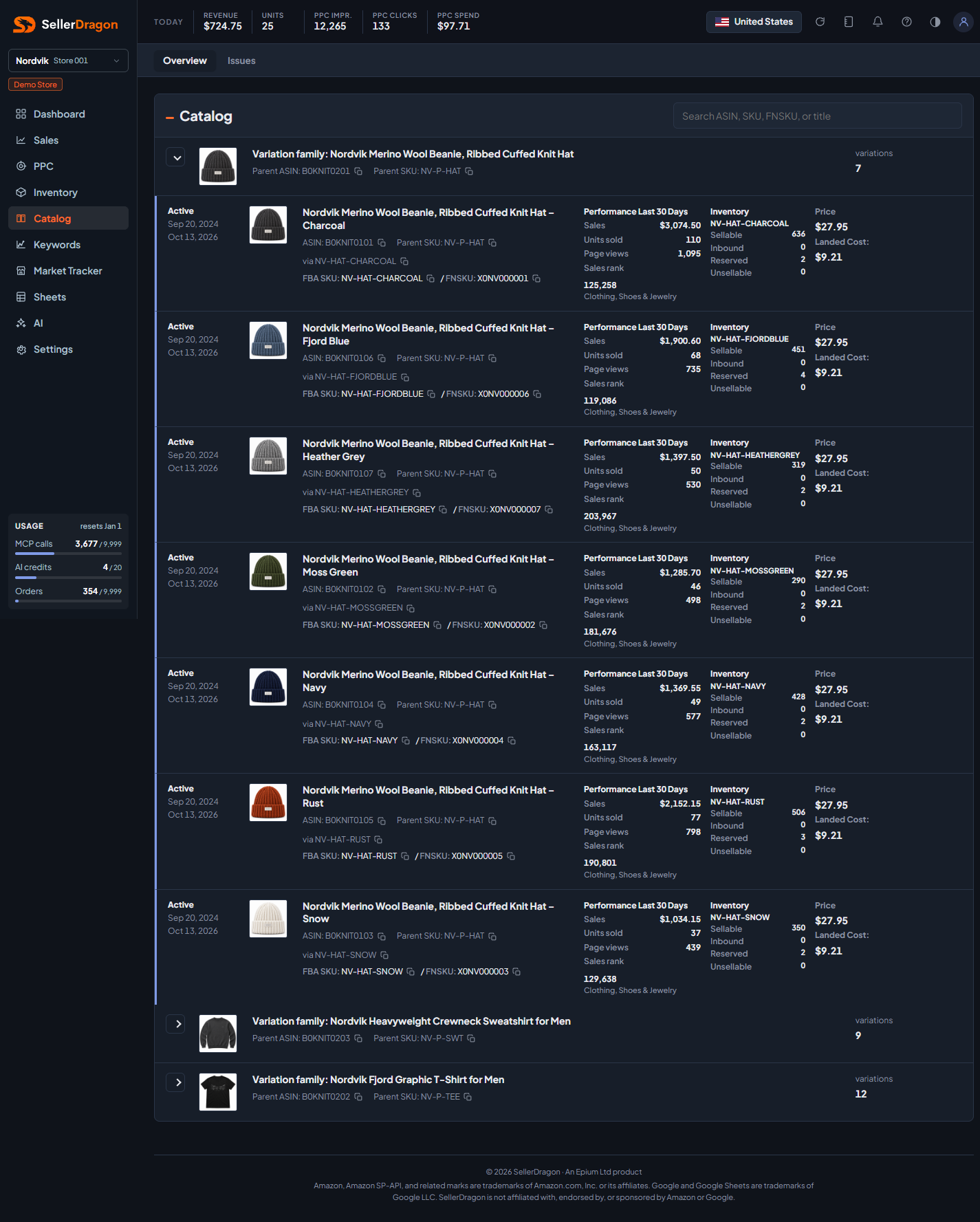
- One store and one marketplace. One card per listed SKU, grouped under the parent listing when the product is part of a variation family.
- Listing facts (title, status, SKUs, FNSKU, price) come from your Amazon listing reports. Stock comes from the latest FBA snapshot. Sales, units and page views are the last 30 days. Sales rank is Amazon's Best Sellers Rank in the product's top-level category.
- Landed cost comes from Settings, SKU Costs & Timing.
- Families are sorted by their total sales over the last 60 days, highest first; the per-card numbers stay at 30 days.
How to read it
Search box
Type part of an ASIN, SKU, FNSKU or title to filter the list as you type.
Variation families
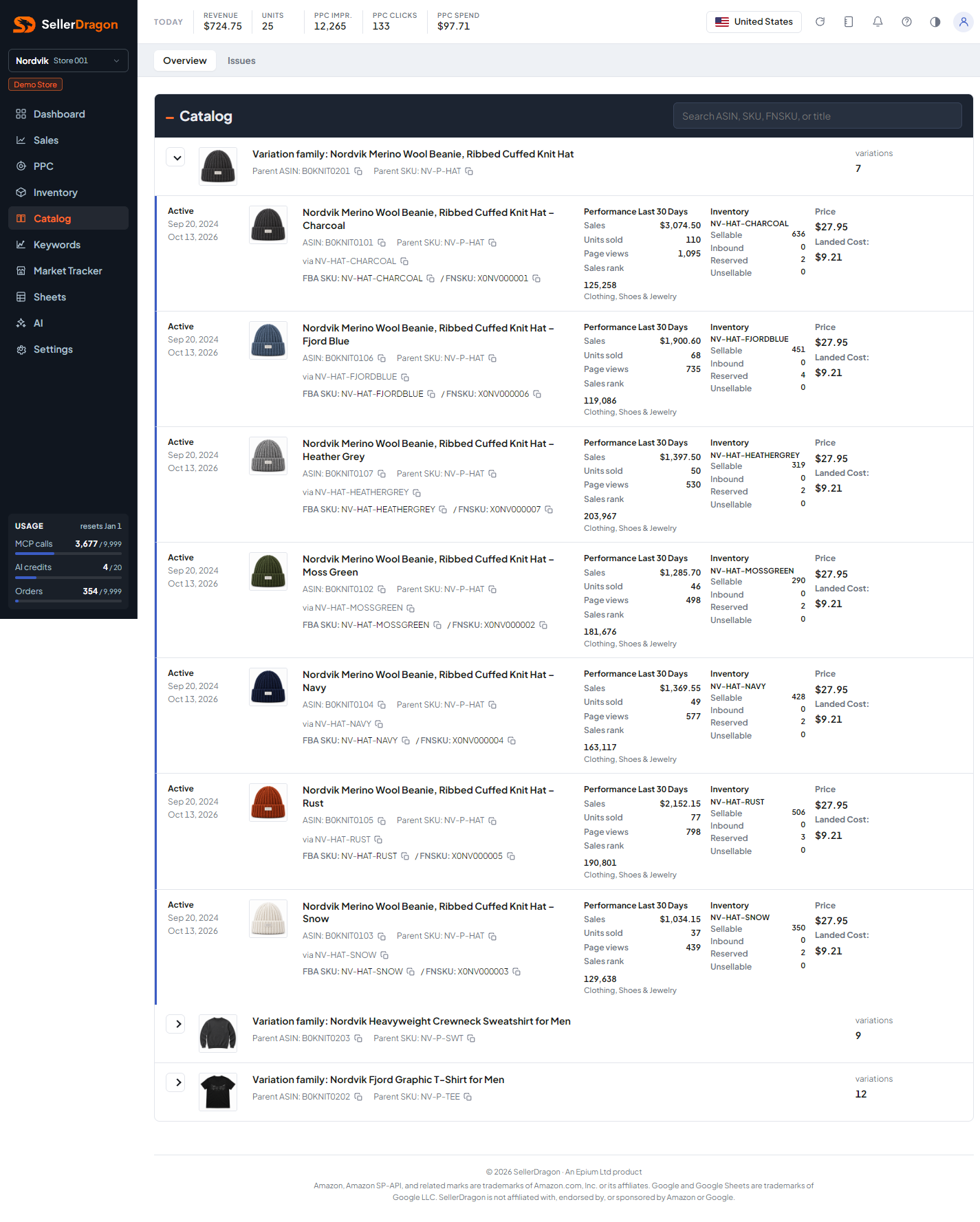
Each family shows the parent's title, parent ASIN and parent SKU with copy buttons, and the number of variations. Click the arrow to expand it. Products without a parent are listed on their own.
Product card
- The top line shows the listing status (Active, Inactive, Incomplete, Suppressed), when the listing was created and when it was last updated.
- Title, ASIN, parent SKU, the SKU this child reaches the parent through, and the FBA or FBM SKU with its FNSKU. The title links to the product's listing pages.
- Performance Last 30 Days: sales, units sold, page views and sales rank with its category.
- Inventory: sellable, inbound, reserved and unsellable units for the SKU, or "Not applicable" for an FBM SKU.
- Price and Landed Cost.
- An Issues line appears when Amazon reports a problem with the listing.
Where to go next
- Catalog issues for every listing problem Amazon reports, in one list.
- Click a product to open its listing pages for sales, keywords, search data, texts, images and settings.
- Product Names to give products short names and groups that the rest of the dashboard uses.
Something on this page unclear?
Ask us how