

What this page answers
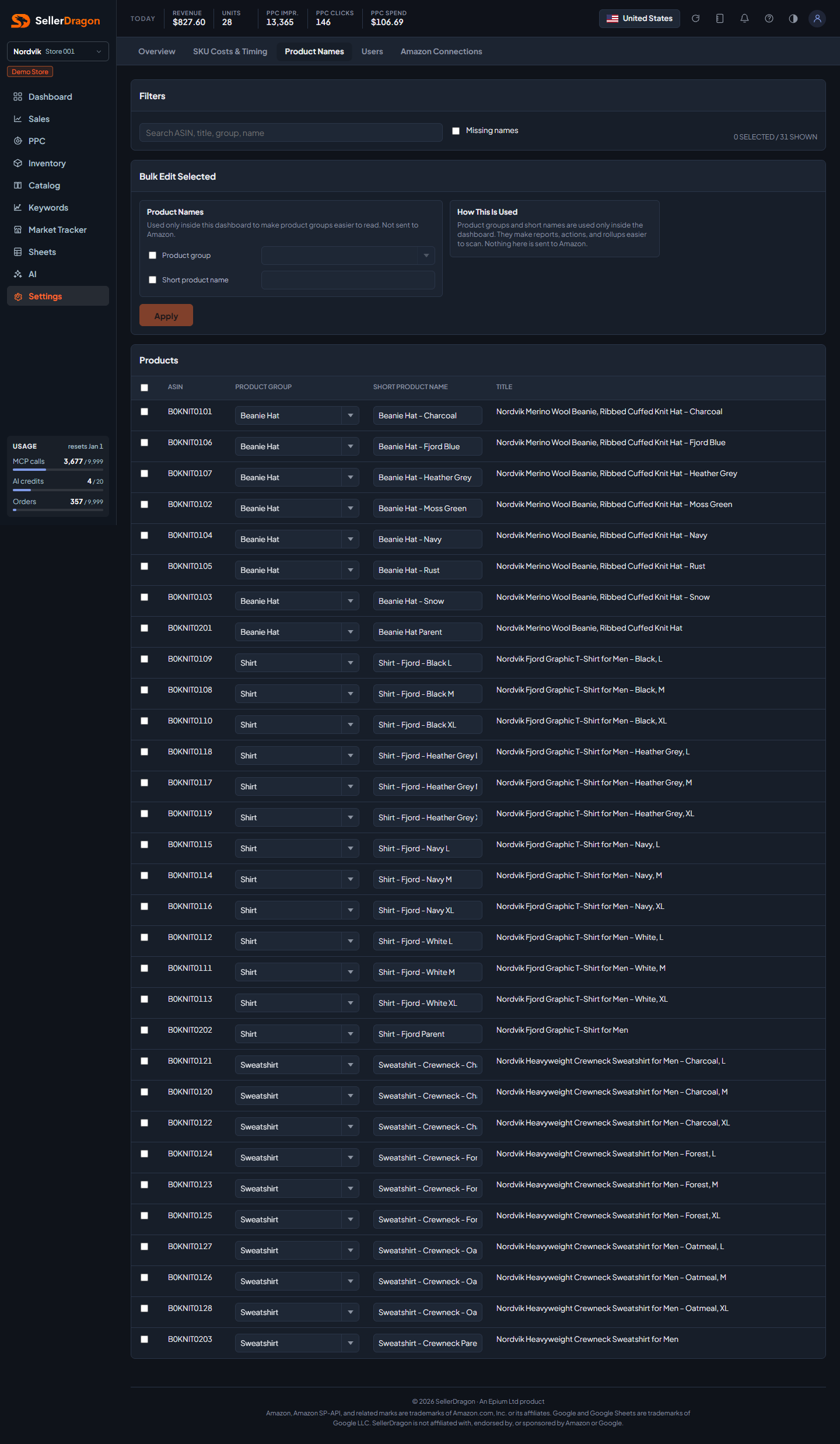
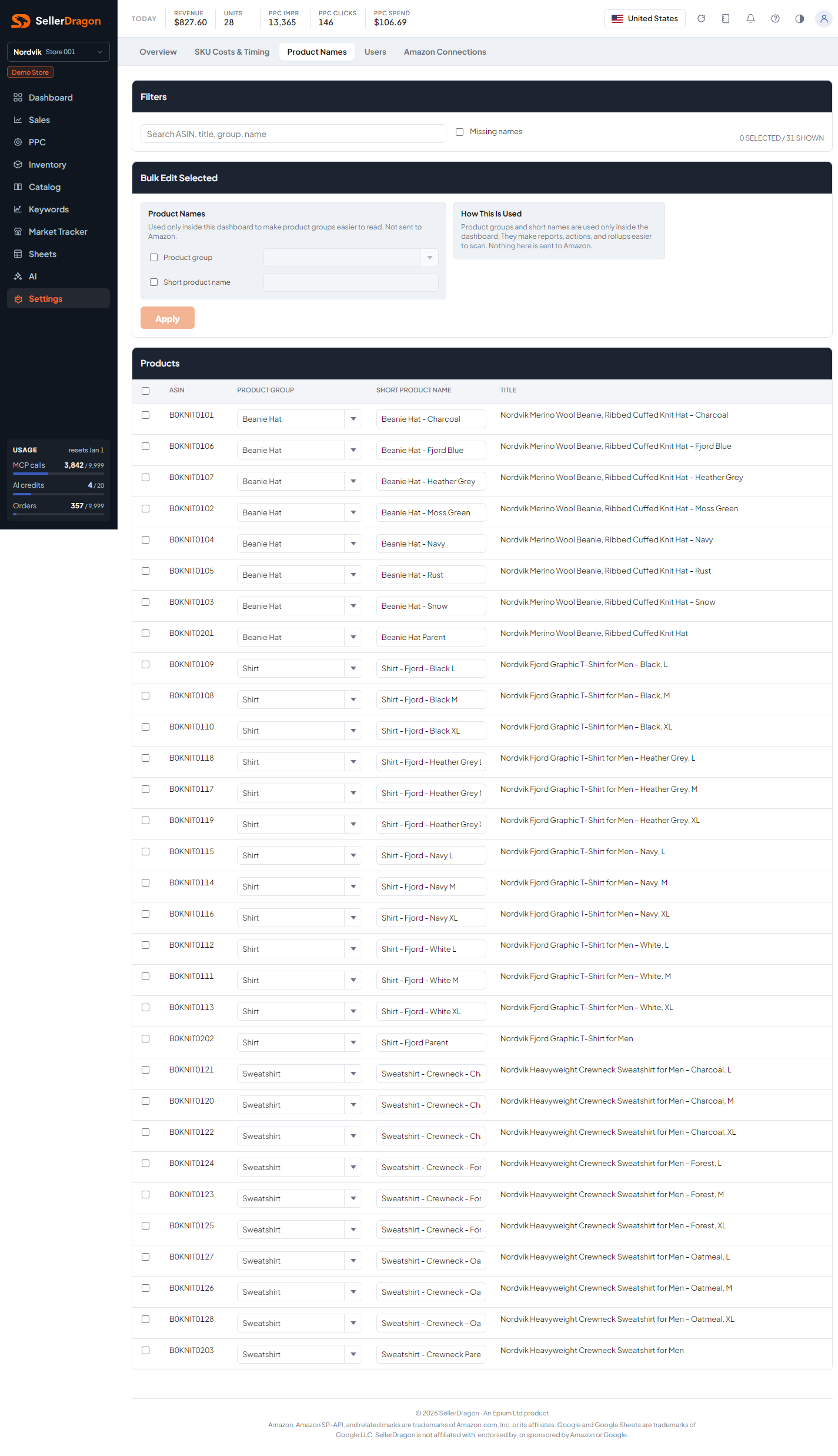
How products read across the whole dashboard: the short name on every row and card, and the group that drives rollups in Sales, Inventory, Forecast, the Dashboard overview and the Search performance source picker.
Whose data and scope
- One store. Names and groups are yours, stored with the store's settings and never sent to Amazon.
- The same two fields can be edited for one product on its listing Settings page.
- Edits save by themselves a moment after you stop typing. The status next to a row reads Pending, Saving, Saved or Error.
How to read it
Filters
Search by ASIN, title, group or name. Missing names keeps only products without a short name, which is the quickest way through a new store.
Bulk edit selected
Tick rows (the header checkbox selects the page; selections survive paging), set a product group and, if useful, a short name, and press Apply. The group field is a combobox that offers the groups already in use.
Products table
One row per ASIN with its Amazon title, the editable Product group and Short product name, and the save status. Rows per page and the pager sit under the table.
Where to go next
- SKU Costs & Timing for the per-SKU numbers.
- Catalog overview to see the names in use.
Something on this page unclear?
Ask us how