

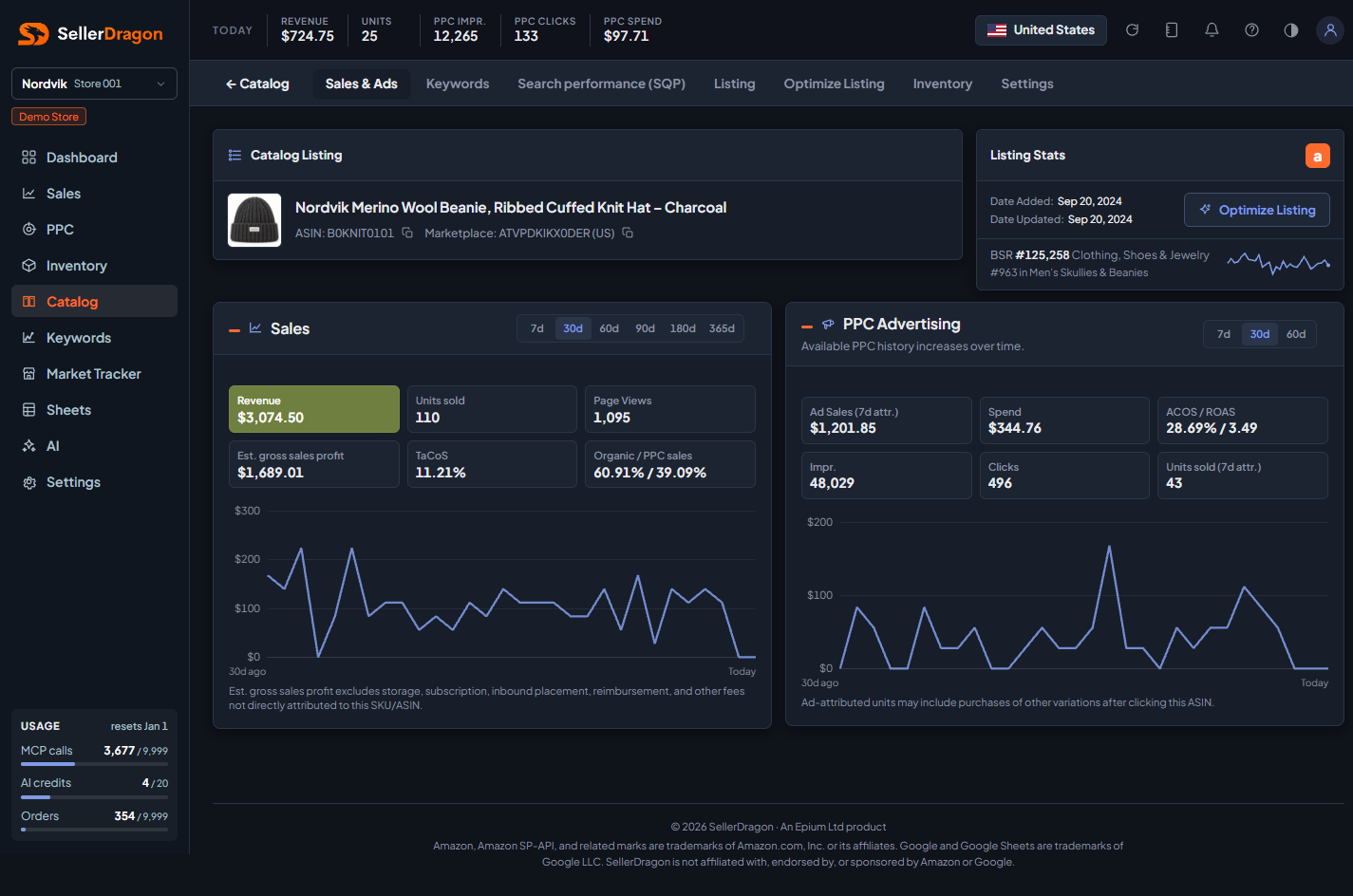
What this page answers
Everything about one product in one place. The address carries the product: /catalog/listing/<section>?asin=… or ?sku=…. Opening /catalog/listing itself forwards to the section you used last.
Whose data and scope
- One product, in the store and marketplace selected in the sidebar and header. A product that is not listed in the selected marketplace shows nothing.
- When the product is a child in a variation family, the keyword and search pages can combine the family; the sales, inventory and listing pages are the child's own.
How to read it
Product header and Listing Stats
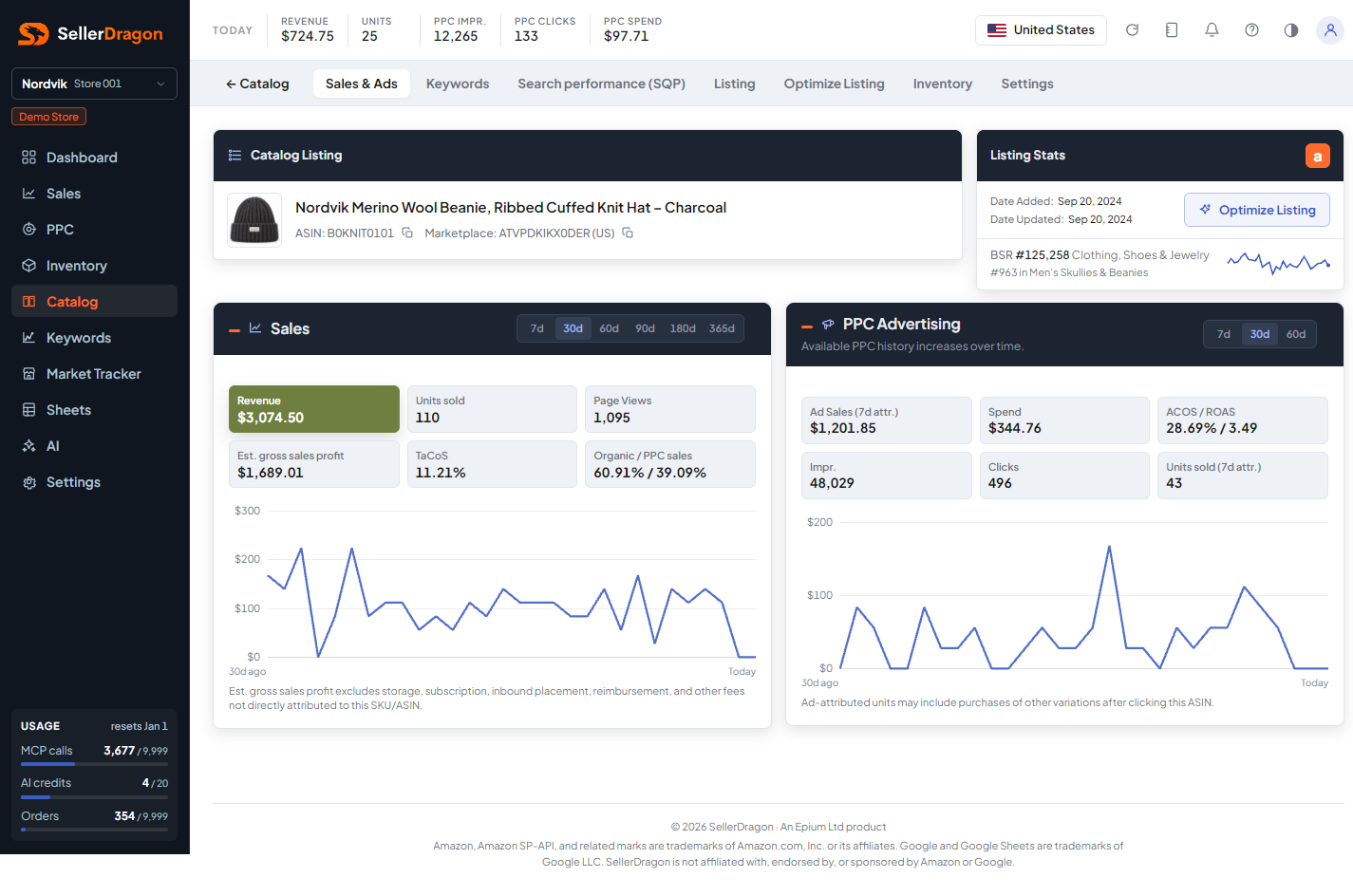
The header shows the product image, title, ASIN and marketplace with copy buttons. Listing Stats shows when the listing was added and last updated, the orange "a" link that opens the product on Amazon, and the Optimize Listing button that jumps to the AI optimizer.
The BSR line is the latest Best Sellers Rank in the top-level category, the best subcategory rank on the same day, and a 30-day sparkline. Click it for the popup.
Section strip
- Sales & Ads: revenue, units, traffic and ad performance over time.
- Keywords: rankings, keyword management and opportunities for this product.
- Search performance (SQP): Amazon's search query data for this product.
- Listing: the images and texts as they are on Amazon, with Edit buttons.
- Optimize Listing: the AI listing optimizer.
- Inventory: FBA stock, age and health per SKU.
- Settings: your short name, group, landed cost and lead times.
The left arrow in the strip returns to the Catalog.
Tabs and popups
Best Sellers Rank popup
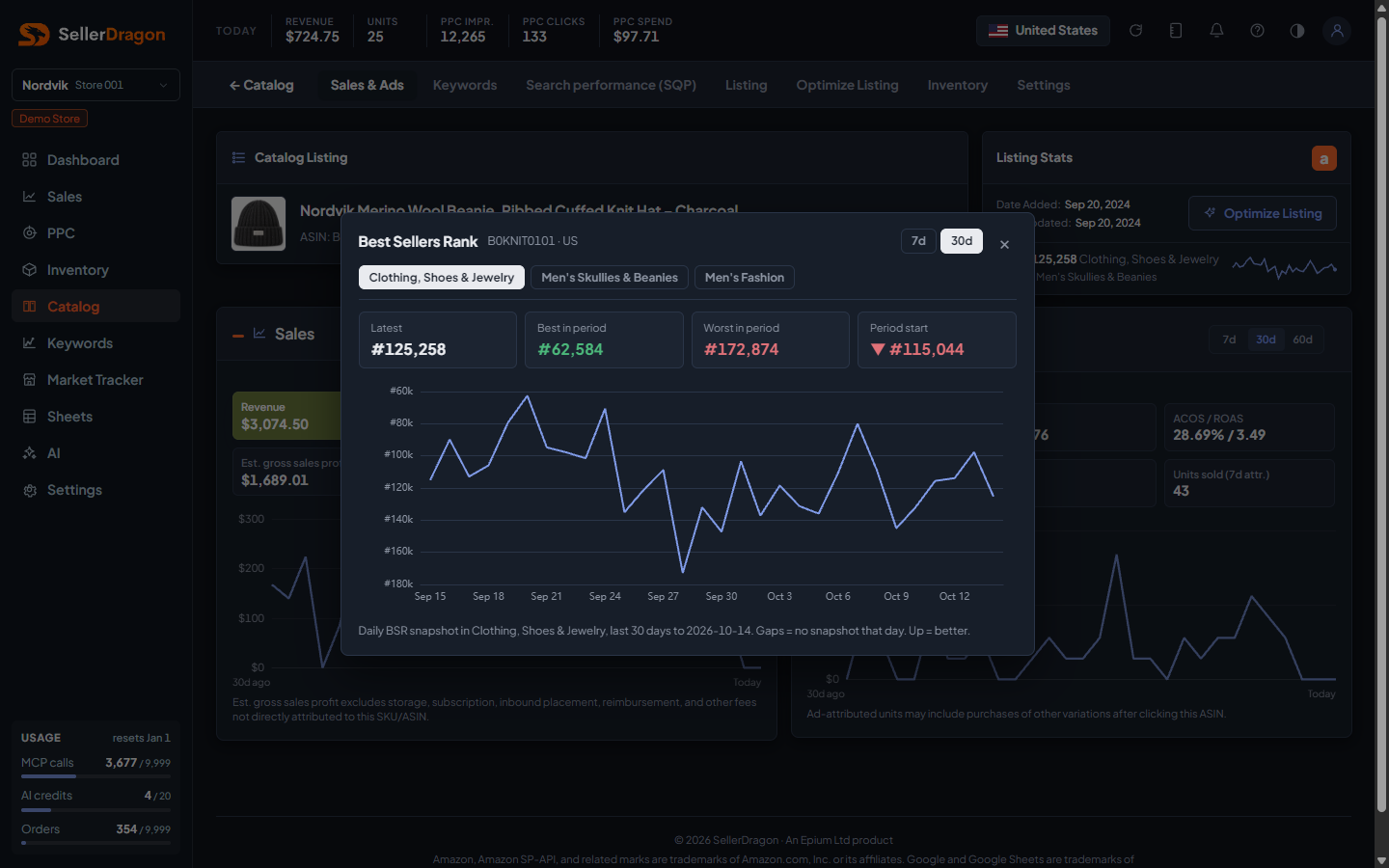
One daily rank series per category: the top-level category first, then the subcategories as chips. Tiles show the latest rank, the best and worst rank in the period, and the rank at the period start with an arrow against the latest (a lower number is better, so a green arrow means the product climbed). The chart is inverted so up is better; gaps are days with no snapshot. Switch between 7 and 30 days.
Where to go next
- Catalog overview to pick another product.
- Product Names and SKU Costs & Timing hold the same settings as the Settings section, for every product at once.