

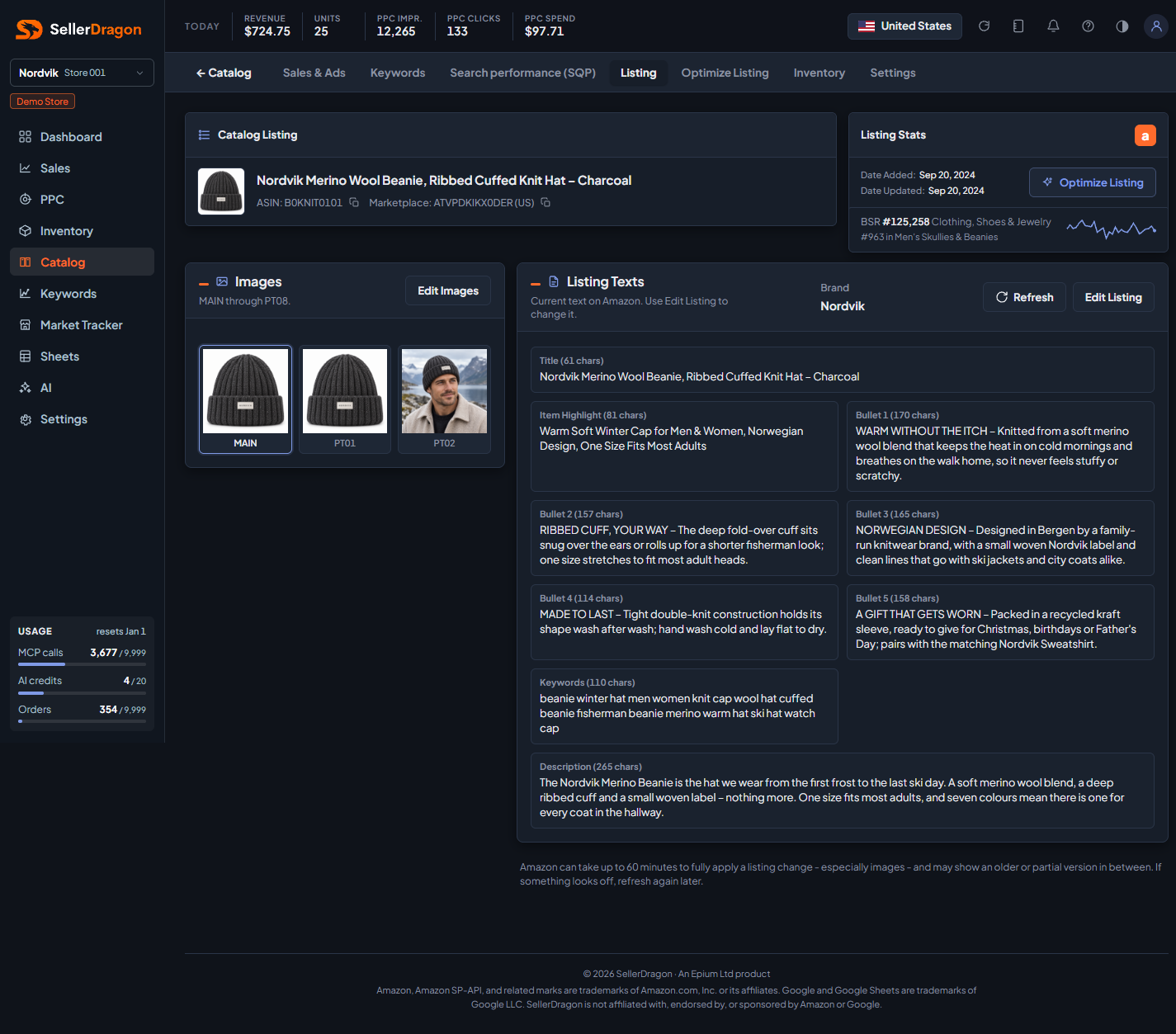
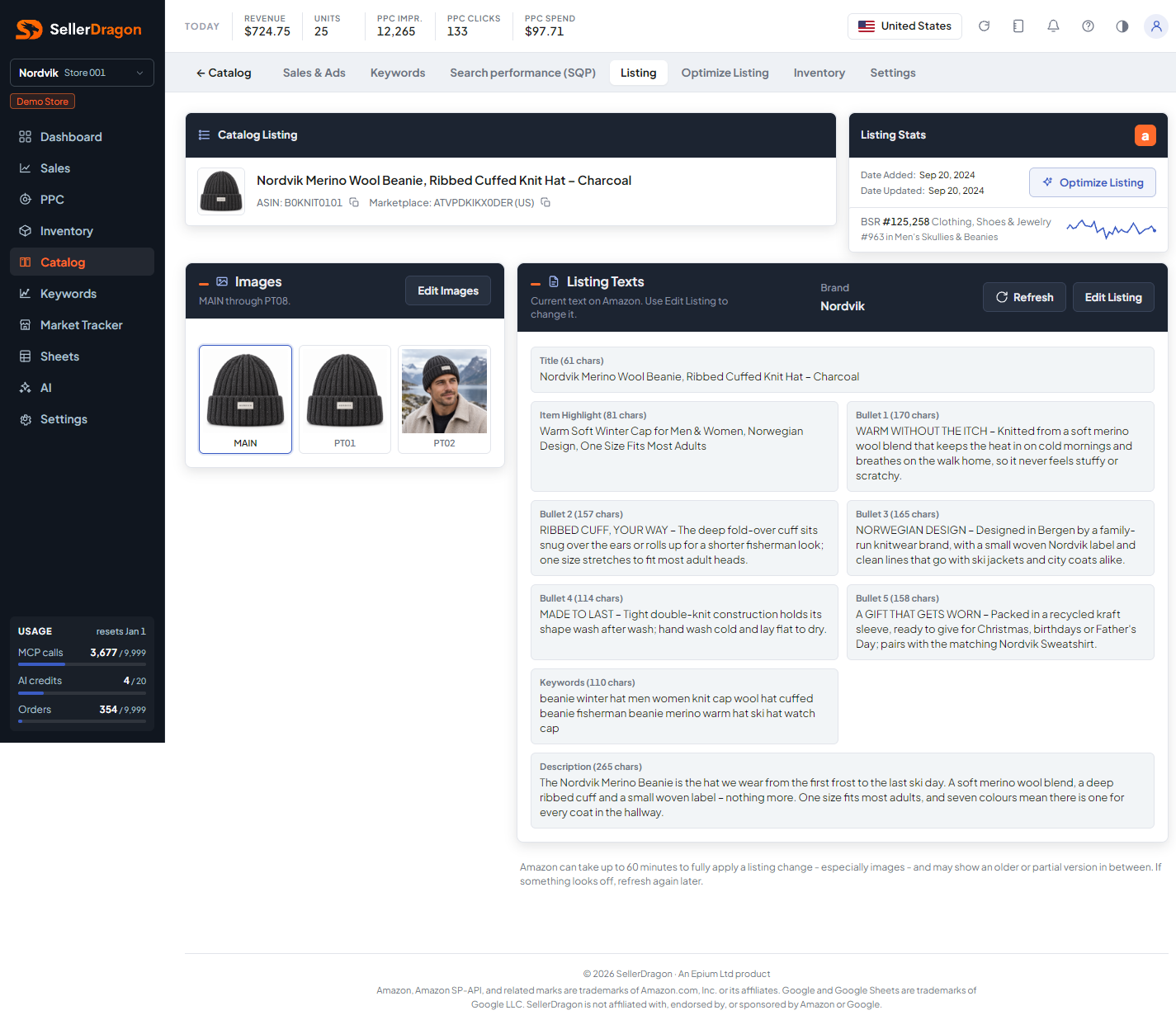
What this page answers
What shoppers currently see on the product page, and whether a change you sent has landed.
Whose data and scope
- One product in the selected store and marketplace. Where the marketplace has more than one listing language, a language switch appears in the header.
- The texts and image slots come from the listing data we last read from Amazon. Refresh re-reads this listing from Amazon on the spot; nothing is written. Amazon can take up to 60 minutes to fully apply a change, especially images, and may show an older or partial version in between.
How to read it
Images card
The nine Amazon image slots: MAIN, then PT01 through PT08. Empty slots are not shown. Click an image to see it enlarged. Edit Images opens the image editor.
Listing Texts card
Brand, Title, Item Highlight, Bullets 1 to 5, Keywords (the back-end search terms) and Description, each with its character count. Edit Listing opens the text editor. The Refresh button sits next to it; while a refresh runs the button shows its progress, and the page reloads the texts by itself once Amazon has served the newer version.
Read-only users see the texts and images but no Edit buttons.
Tabs and popups
Enlarged image
Click any image slot to open it full size with its slot name; the cross or Escape closes it.
Where to go next
- Text editor to change the texts.
- Image editor to replace or reorder images.
- Optimize Listing to have the AI draft new copy from your keywords.
- Catalog issues when Amazon has flagged the listing.
Something on this page unclear?
Ask us how