

What this page answers
How to change the words on the product page without leaving the dashboard, and what happened to the change after you sent it.
Whose data and scope
- One product in the selected store and marketplace, in the listing language shown in the header. Every live SKU of the ASIN is its own Amazon listing record; the change is sent for each of them.
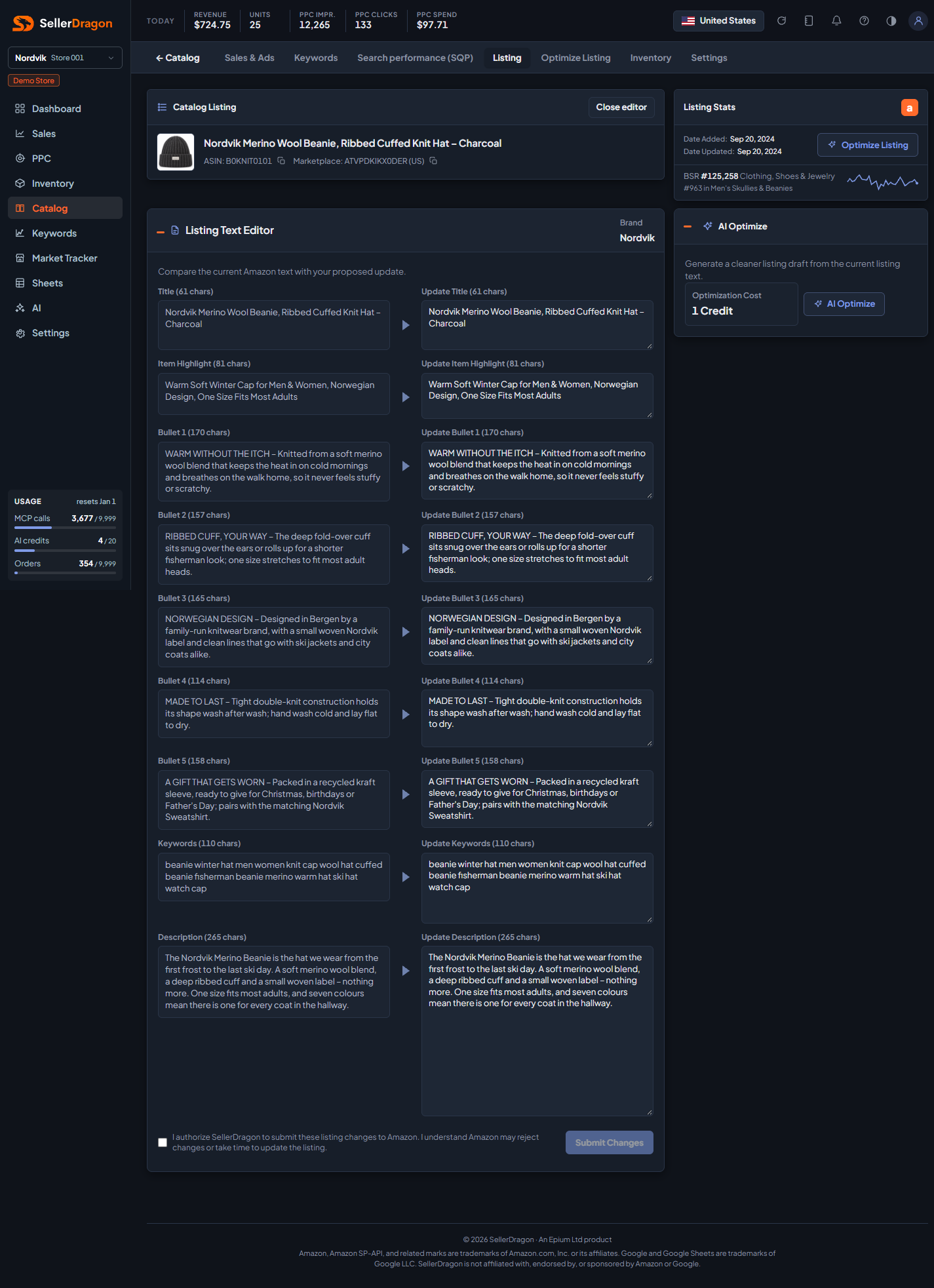
- The left column is the current text on Amazon as last read. Your draft stays in the browser until you submit; nothing is sent while you type.
- Submitting creates one job per SKU that pushes the changed fields to Amazon through the Listings API. Amazon answers "accepted" first and applies the change later, often within minutes, sometimes up to an hour. The job keeps re-reading the listing until the new text is visible, and the page shows that outcome.
- Read-only users cannot open the editor.
How to read it
Listing Text Editor
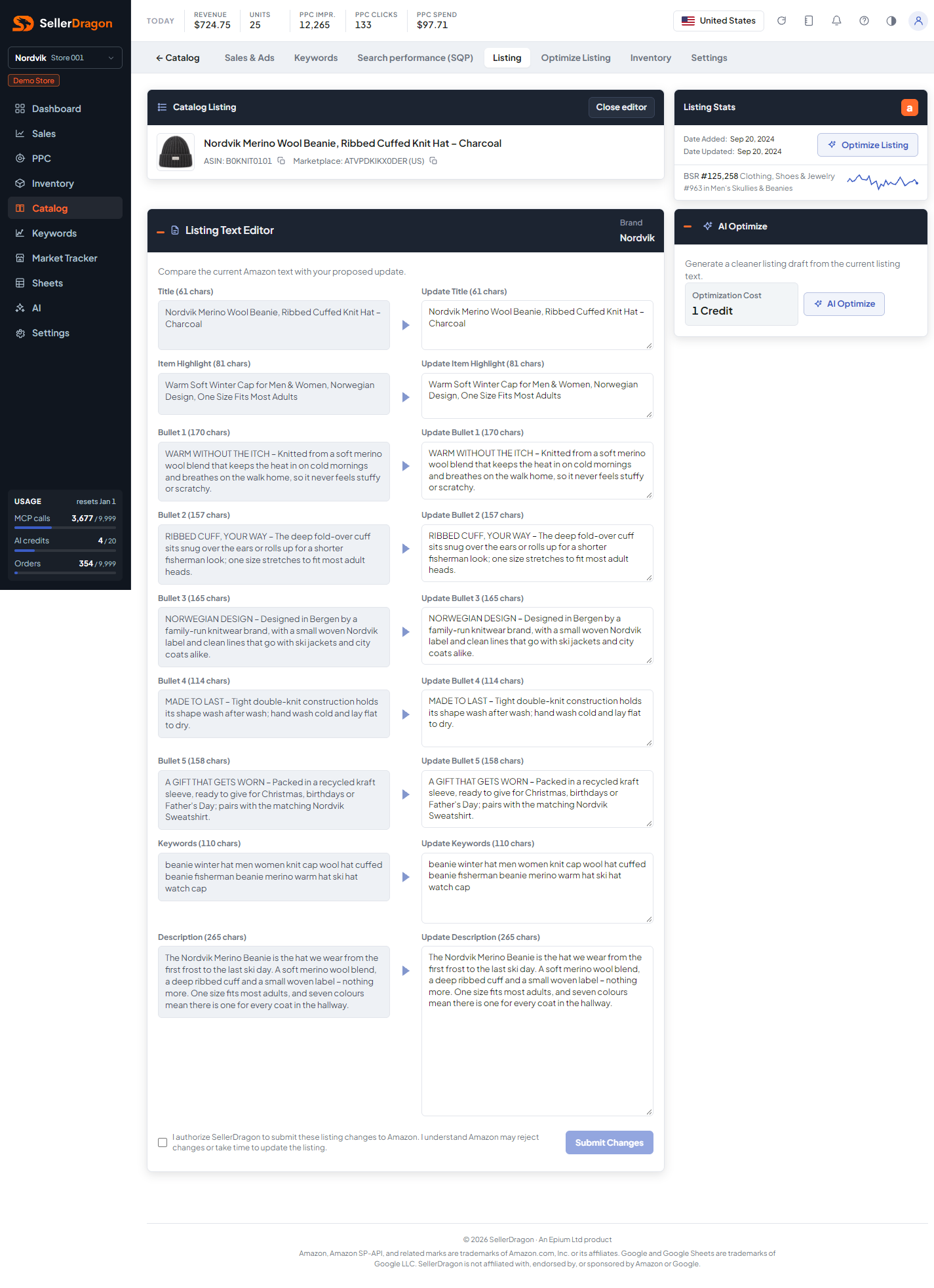
One row per field: the current text with its character count on the left, the Update box on the right. Leave a box empty to keep the field unchanged. The fields are Title, Item Highlight, Bullets 1 to 5, Keywords (back-end search terms) and Description. Brand is shown but not editable here.
Character caps are enforced before submit: 75 for the title, 125 for the item highlight, 200 for title and item highlight together, 500 per bullet, 250 for keywords and 2,000 for the description. Amazon re-checks against the exact limits of the product's category when the job runs, and may reject a change the editor accepted.
AI Optimize card
A shortcut to the AI optimizer for this product. It states the cost: one AI credit per generated draft.
Submit Changes
Tick the authorisation box, then Submit Changes. The button is disabled when nothing differs from the live text. The status line then reads Submitting to Amazon, Accepted by Amazon, Rejected by Amazon with Amazon's reason, or Still processing when Amazon has not answered after a couple of minutes. A submitted change stays final until you edit again, so the same change is never sent twice by accident.
Close editor returns to the Listing section; with unsent edits it asks first.
Where to go next
- Listing texts and images to see the live text and refresh it from Amazon.
- Optimize Listing to let the AI draft the copy.
- AI guardrails hold the banned terms an AI may never put in a listing; the editor does not apply them to text you type yourself.