

What this page answers
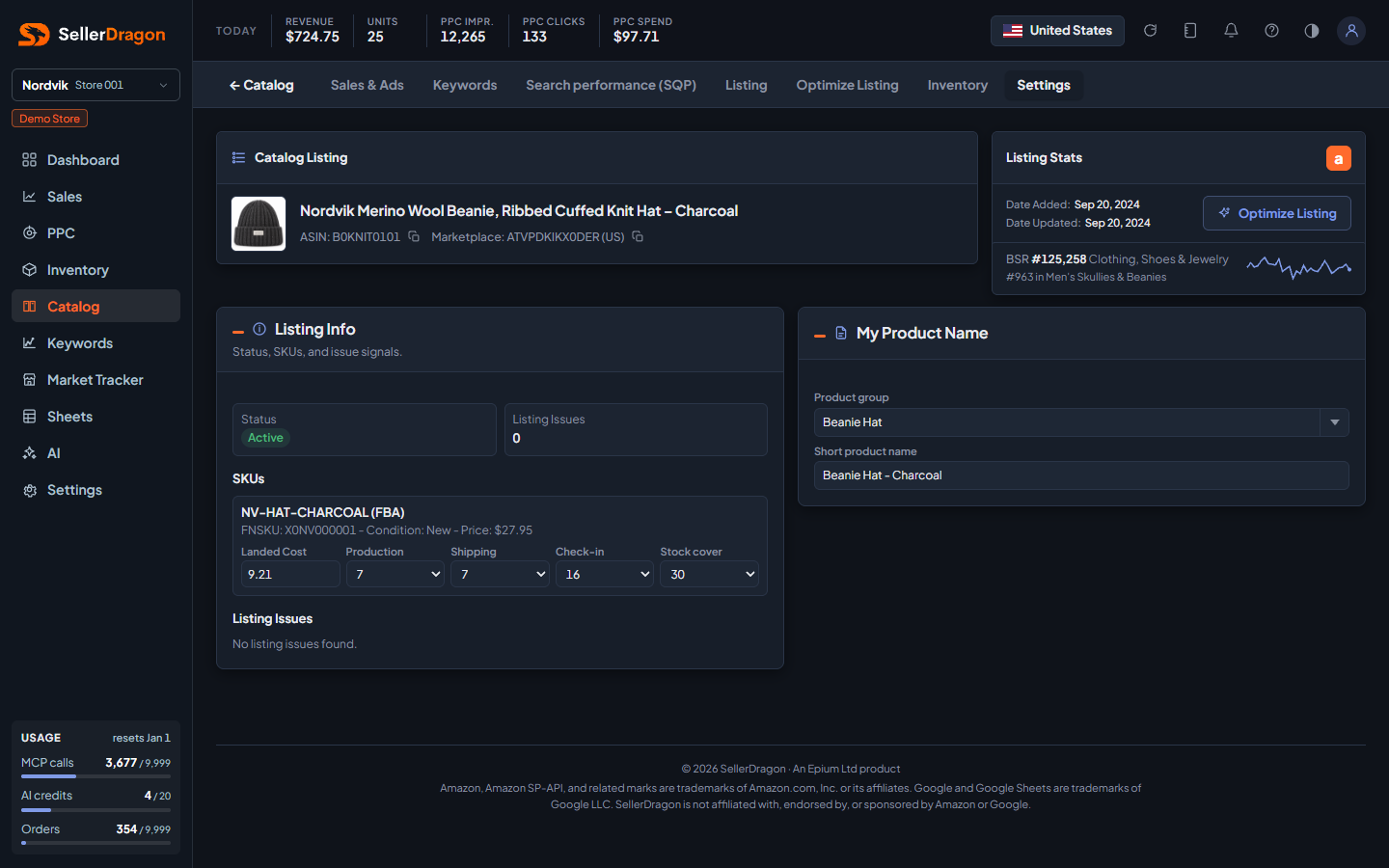
Where to set the two things every report depends on for this product: what you call it, and what it costs and how long it takes to restock.
Whose data and scope
- One product in the selected store and marketplace. The settings are yours; nothing here is sent to Amazon.
- The same values can be edited for every product at once on Settings, Product Names and Settings, SKU Costs & Timing. Both places write the same record.
- Edits save by themselves about a second and a half after you stop typing; the status next to the field reads Pending, Saving, Saved or Error. Read-only users see the values but cannot change them.
How to read it
My Product Name card
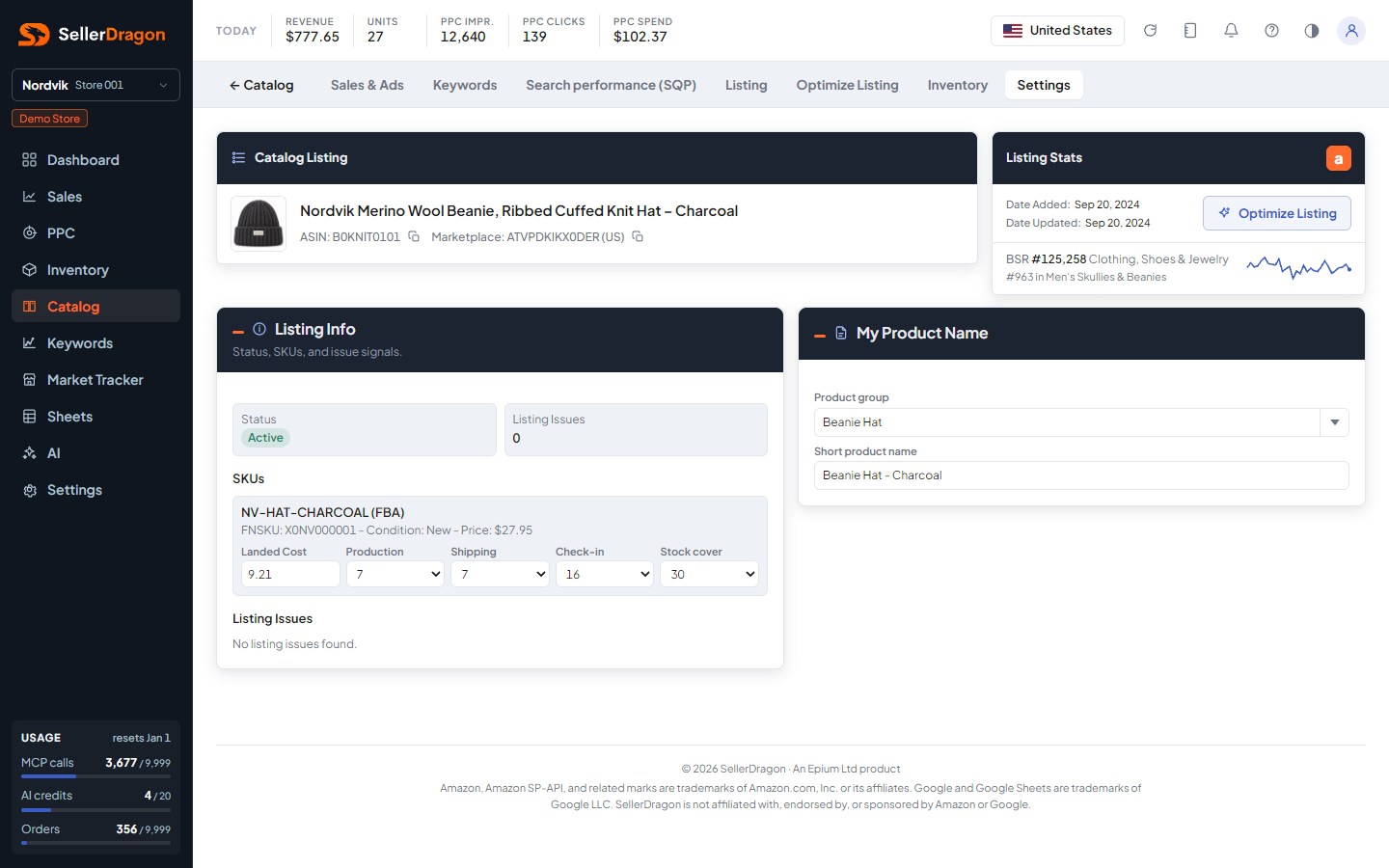
Product group and Short product name. The short name replaces the long Amazon title on every dashboard page, and the group drives the group rollups in Sales, Inventory, Forecast and the Dashboard overview.
Listing Info card
The listing status and the count of Amazon issues, then one row per SKU:
- FNSKU, Condition and Price as Amazon reports them.
- Landed Cost per unit in the marketplace currency, FBA and FBM alike. It feeds profit, margin and TACoS everywhere.
- Production, Shipping and Check-in in days are the lead time an FBA SKU needs from order to sellable. Stock cover is how many days of stock you want on hand after a restock; the Forecast page uses it as the default target. These four are FBA only; an FBM SKU shows a dash.
- Listing Issues lists what Amazon reports for the listing, or says there are none.
Where to go next
- Product Names and SKU Costs & Timing for the bulk editors.
- Forecast to see the lead times at work.
Something on this page unclear?
Ask us how