

What this page answers
What is in transit to Amazon, how far along each shipment is, and what each SKU still has outstanding.
Whose data and scope
- One store and one marketplace.
- Numbers come from your inbound shipment reports (shipments and their items), not from the inventory snapshot's inbound figure. Amazon's snapshot lags and under-reports receiving, so this page is the reliable one.
- Outstanding per item is units shipped minus units received. A shipment's bucket (Working, Shipped, Receiving) is the shipment status Amazon reports.
- The created date is read from the shipment name, because Amazon's current inbound API carries no creation date. A shipment named without a date shows none.
How to read it
Per-SKU inbound table
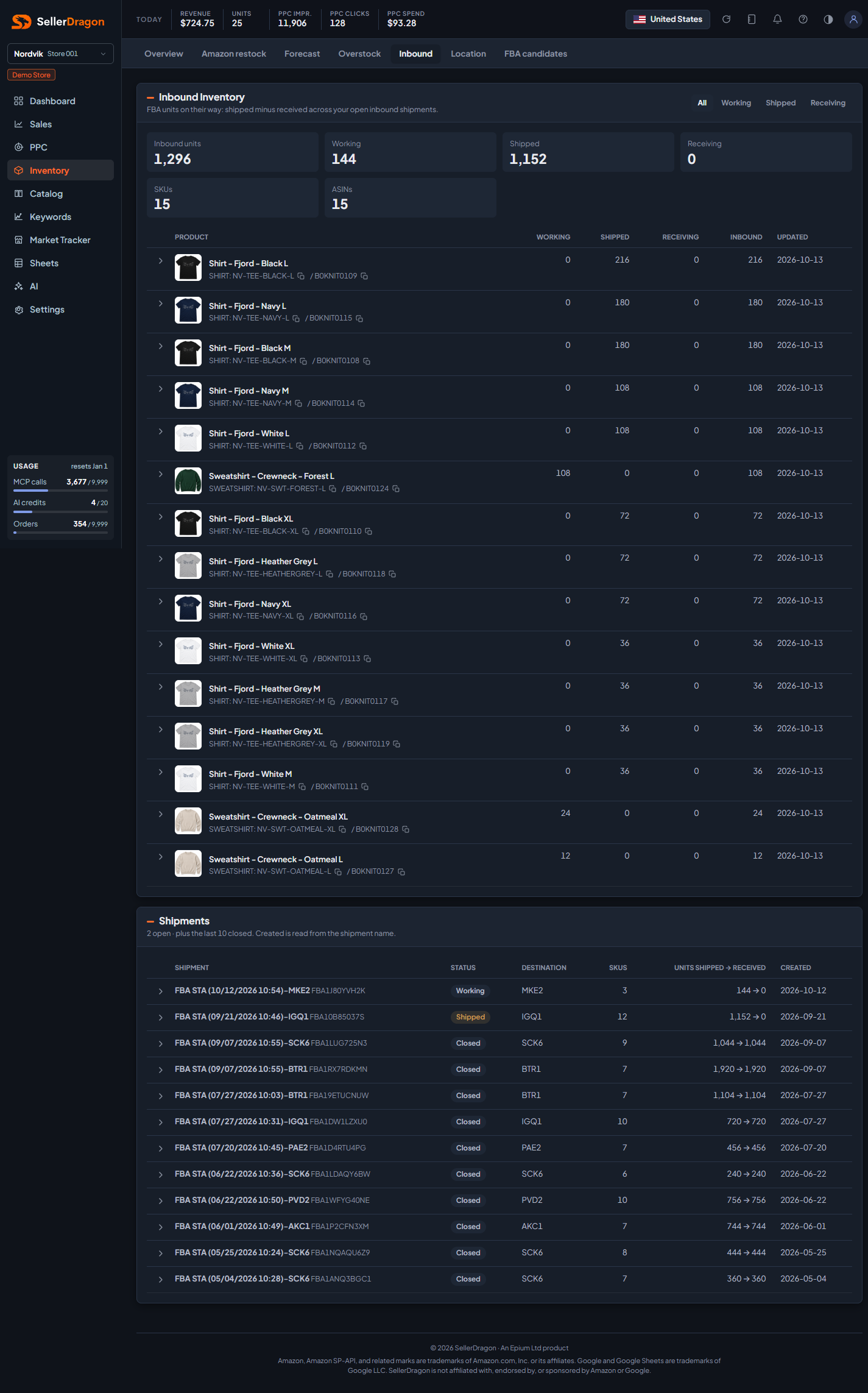
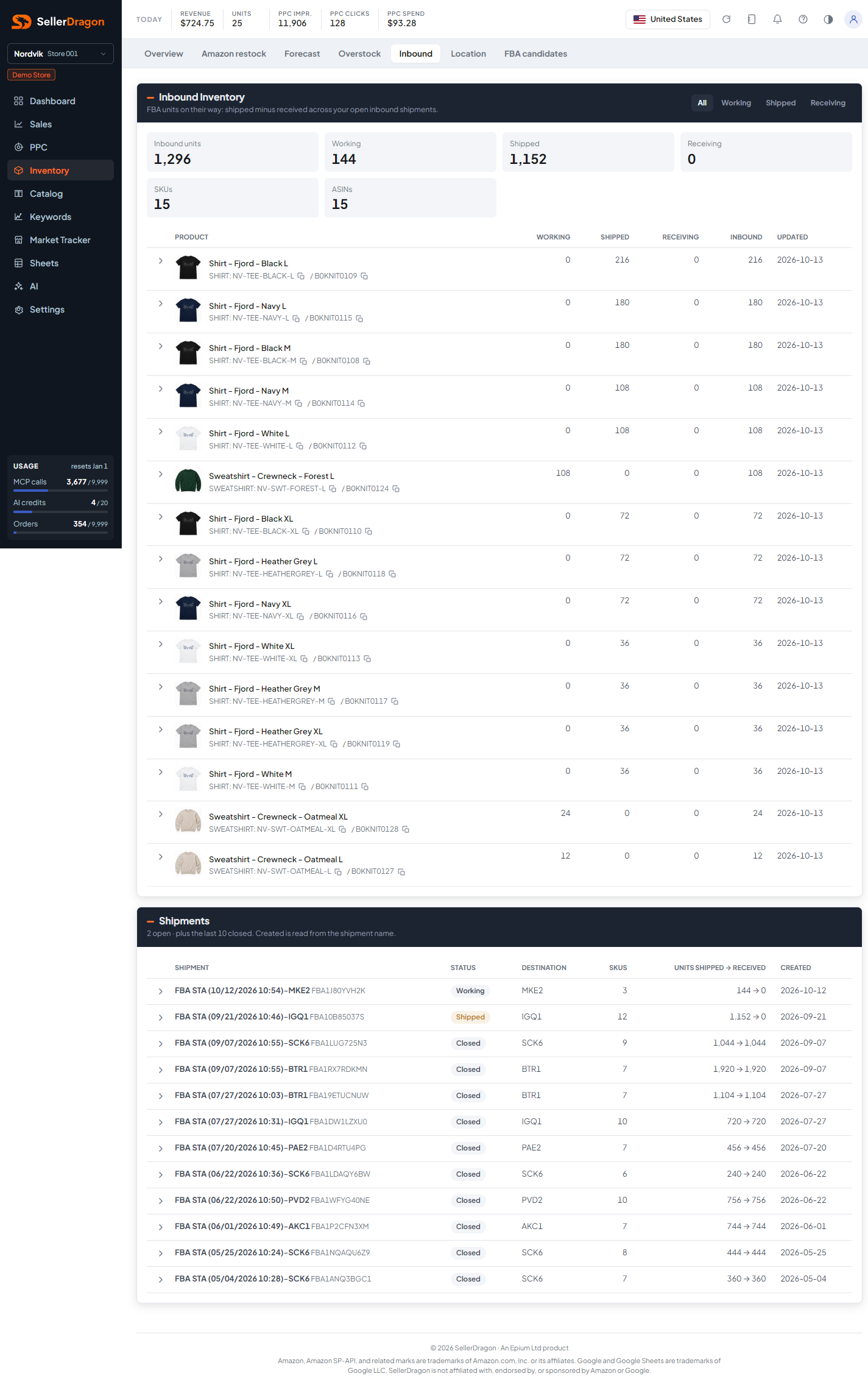
The buttons filter by bucket: All, Working, Shipped, Receiving. The tiles show inbound units in total and per bucket, plus the SKU and ASIN counts.
- Product with group, SKU and ASIN; the name links to the listing page.
- Working, Shipped, Receiving are the outstanding units in shipments of that status.
- Inbound is the three added together.
- Updated is the date of the latest item update Amazon sent.
Click the arrow in front of a SKU to see which open shipments carry it and how far along each is.
Shipments table
Every open shipment, newest first, followed by the last ten closed ones.
- Shipment is Amazon's shipment name and ID.
- Status is Working, Ready to ship, Shipped, Receiving, Closed, or whatever Amazon reports.
- Destination is the fulfilment centre code the shipment was sent to.
- SKUs and Units shipped to received summarise the content.
Tabs and popups
Shipment items
Click the arrow in front of a shipment to list its items: product, units shipped, received, outstanding, and an estimated "Prime eligible" count. The estimate is units that Amazon has already moved out of the receiving centre to other warehouses, or received directly elsewhere, read from the inventory ledger. It is an estimate because Amazon never attributes warehouse transfers to a shipment; it can overcount when two shipments with the same SKUs land at the same centre in the same window, and the ledger runs about a day behind.
Where to go next
- Forecast, which counts these units as incoming stock.
- Inventory overview for what has landed as sellable.
- Inventory location to see where received units ended up.