

What this page answers
What Amazon thinks you should send in, and when. It is the "Amazon says" view. For a forecast built from your own sales history use the Forecast page.
Whose data and scope
- One store and one marketplace. FBA SKUs only.
- Rows come from Amazon's restock recommendations report. Amazon's method may or may not account for seasonality or for rising and falling sales; the page shows the numbers as Amazon gives them.
- A row is "actionable" when Amazon's recommended action is to create a shipping plan.
How to read it
Mode switch and totals
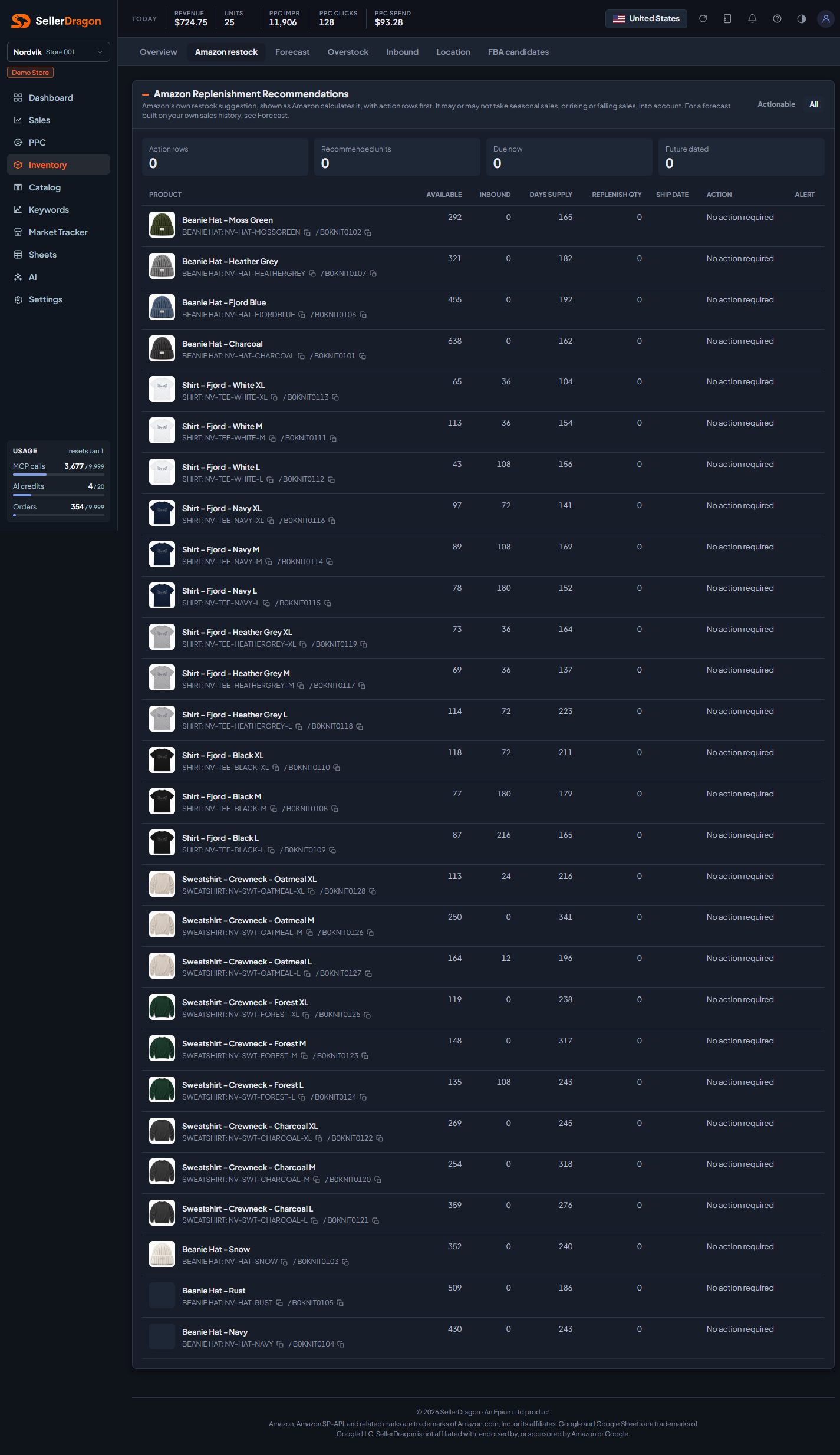
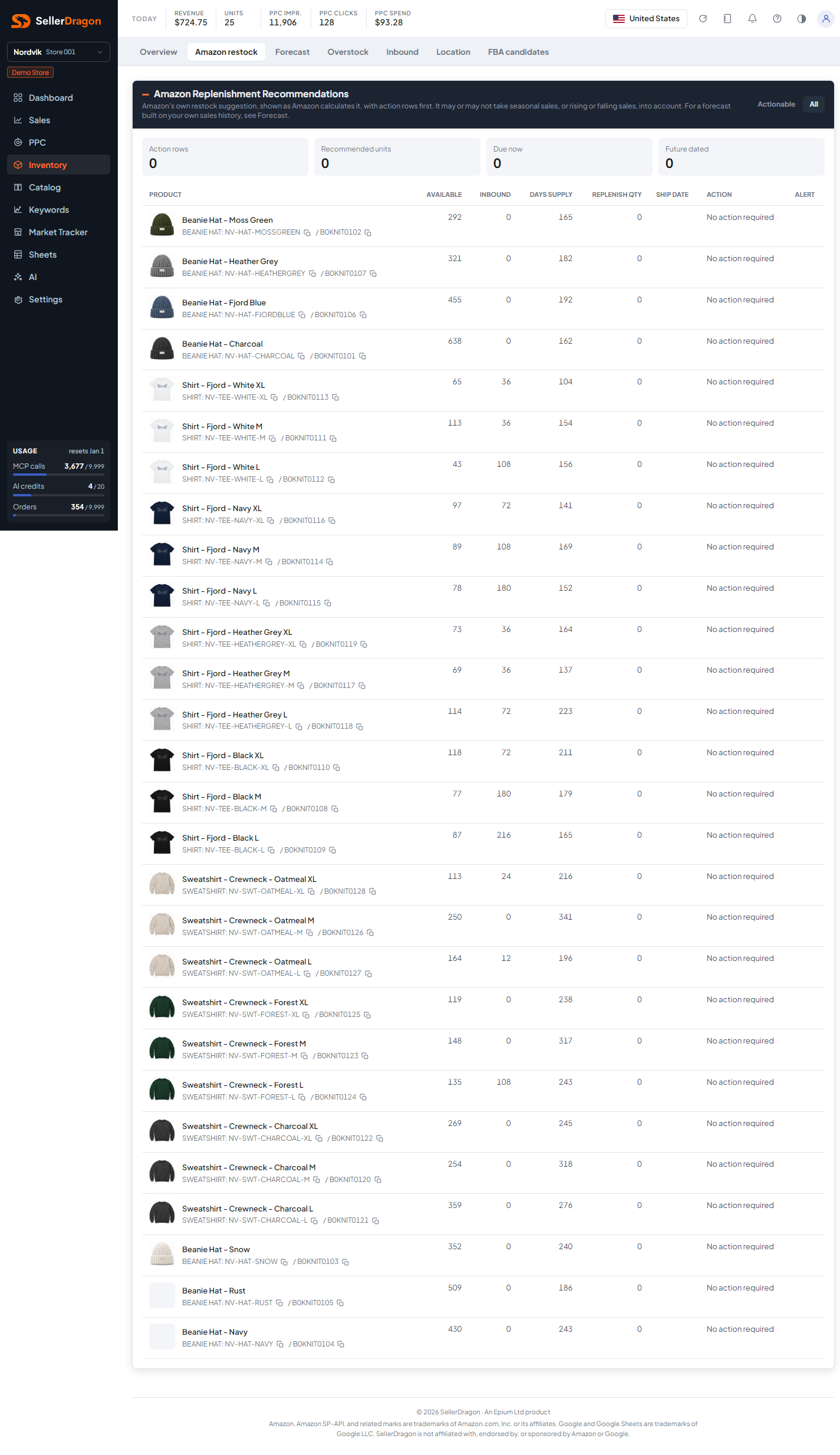
Actionable (default) lists only rows Amazon wants you to act on. All lists every SKU in the report. The tiles count action rows, the recommended units across them, how many are due now (ship date today or earlier) and how many are future dated.
Recommendations table
- Product with group, SKU and ASIN; the name links to the listing page.
- Available and Inbound are Amazon's stock figures for the SKU.
- Days supply is Amazon's estimate of how long the stock lasts.
- Replenish qty and Ship date are Amazon's recommendation.
- Action is Amazon's wording, for example "Create shipping plan" or "No action required".
- Alert carries any warning Amazon attached to the row.
Rows are sorted by ship date, soonest first, then by quantity.
Where to go next
- Forecast for a plan based on your own last-year sales and lead times.
- Inventory overview for the current stock position.
Something on this page unclear?
Ask us how