

What this page answers
Which spreadsheets are pulling data with your access, and how to cut one off.
Whose data and scope
- Only your own sheets are listed, because sheets connect with your personal key.
- Each connected sheet has its own entry, so revoking one leaves the others working.
How to read it
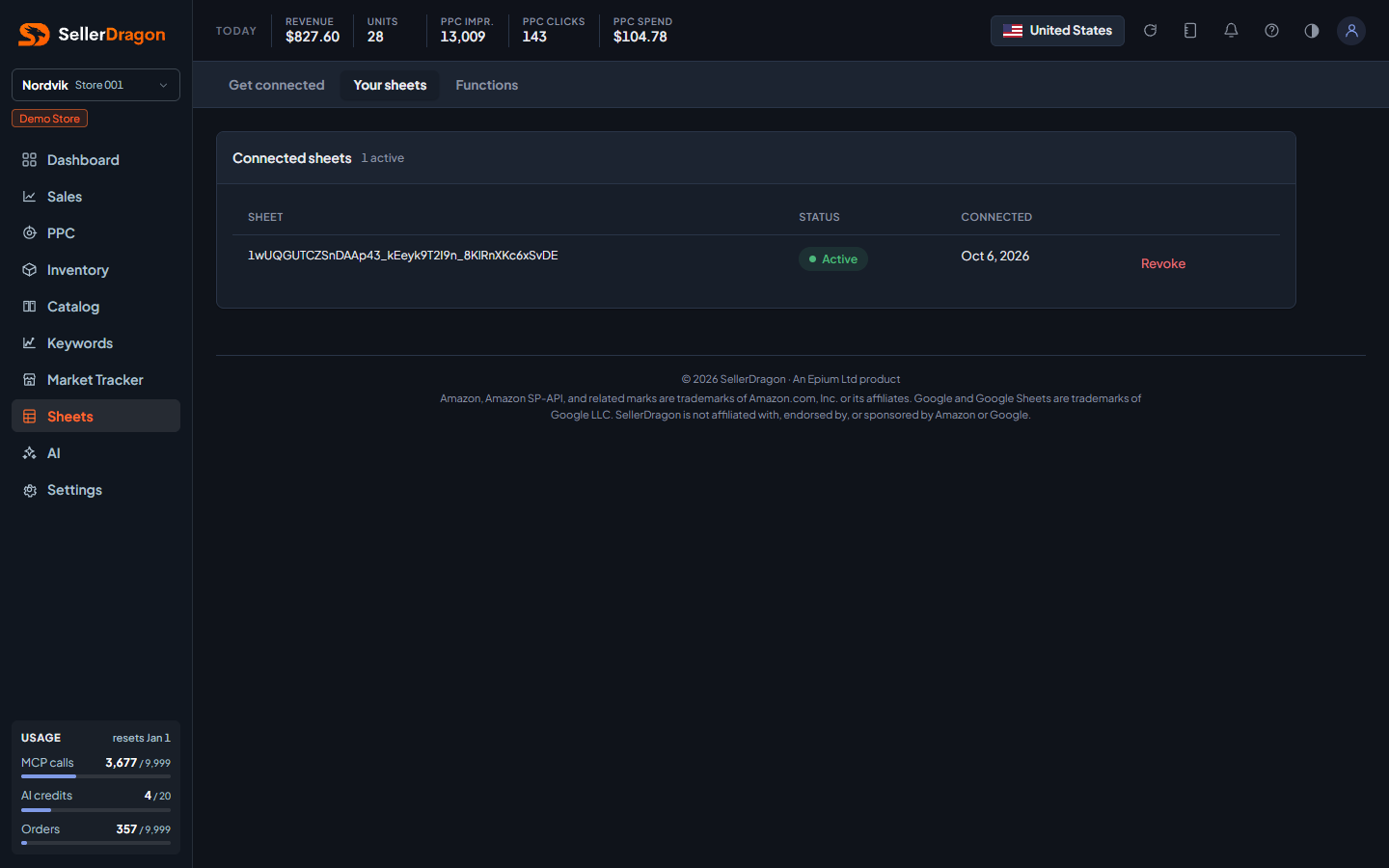
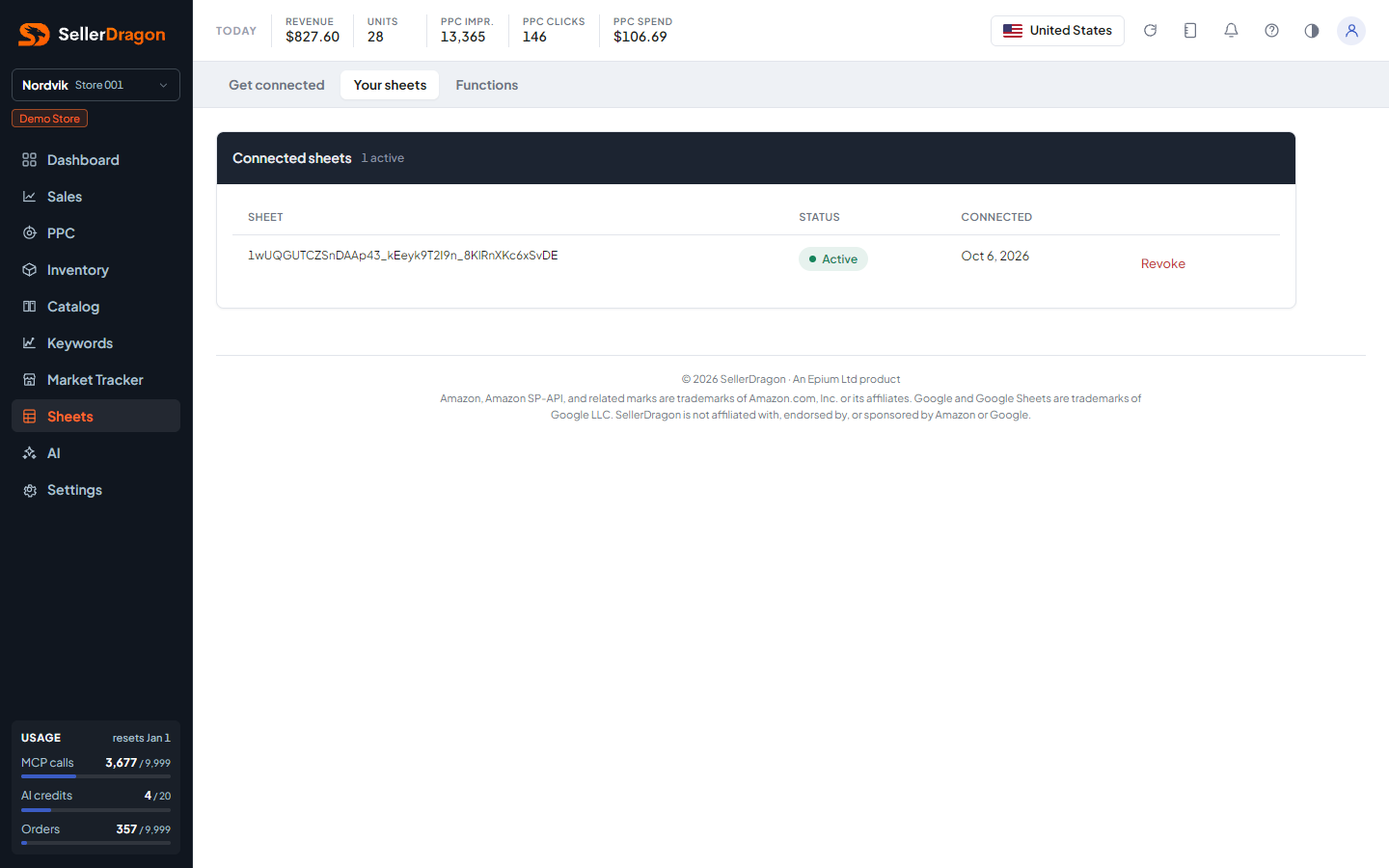
Connected sheets
One row per sheet with its name, status and the date it connected. Revoke ends that sheet's access; its formulas stop refreshing. Revoked sheets can be shown with the link under the table.
Where to go next
- Get connected for the key and the steps to connect another sheet.
- Functions for the formula reference.
Something on this page unclear?
Ask us how