

What this page answers
How each of your stores is doing, on one screen, when you run more than one Amazon account.
Whose data and scope
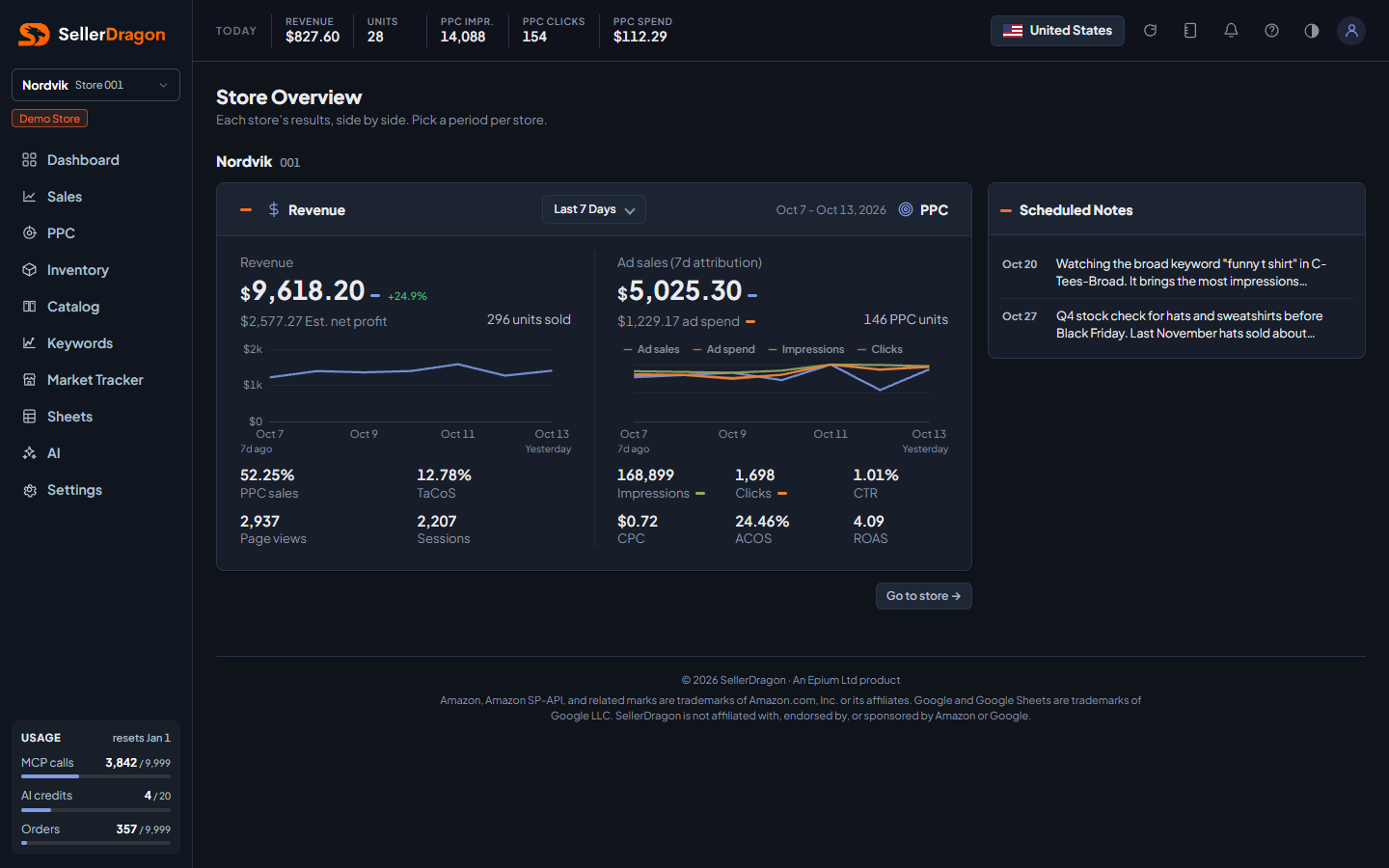
- One row per store you have access to. Every row's data is read separately for that store; numbers are never summed or blended across Amazon accounts, which Amazon's terms do not allow.
- Each row remembers its own period choice in the browser.
How to read it
Store rows
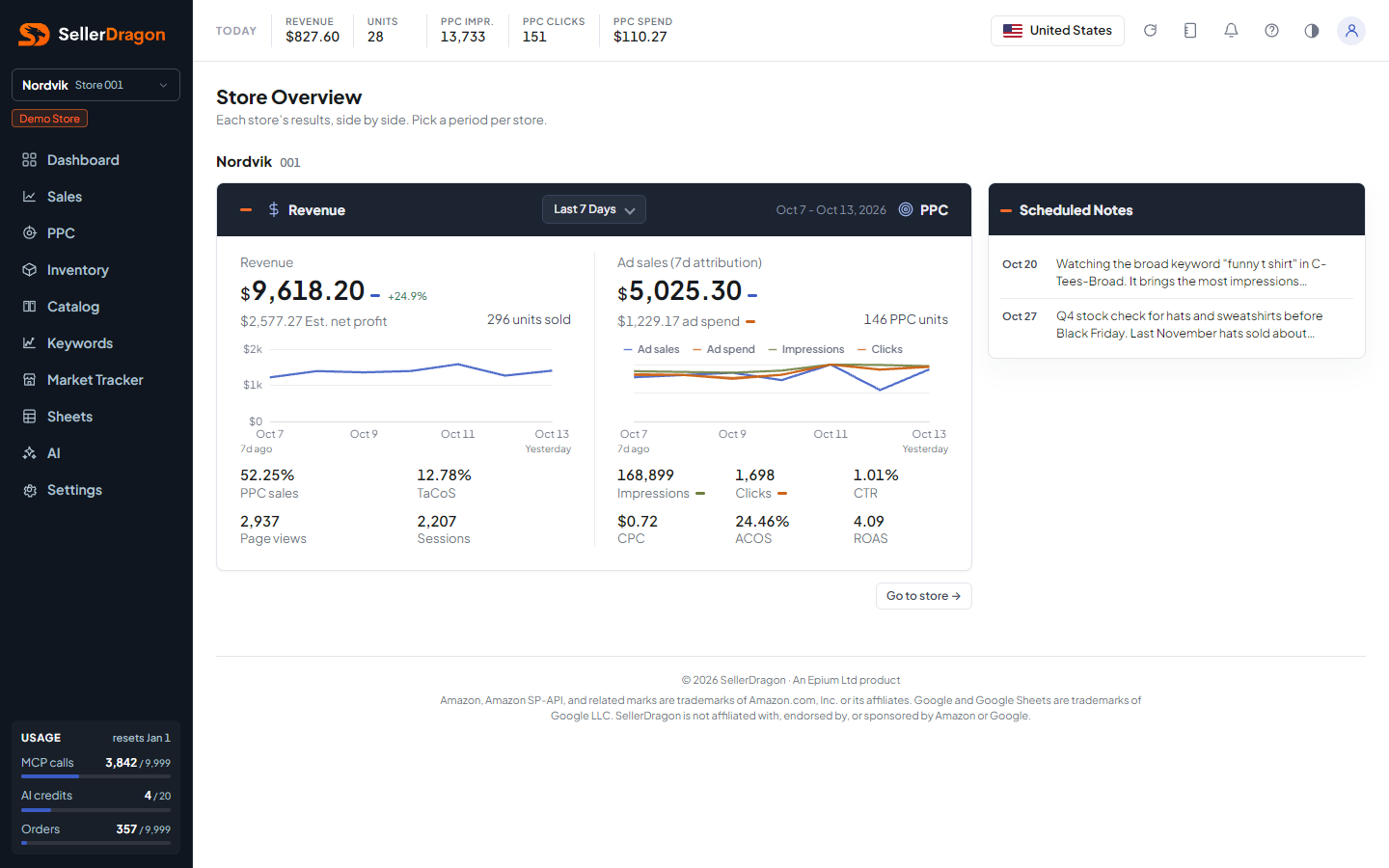
Each row carries the same Revenue and PPC card as the Dashboard overview, with its own period picker, and the store's scheduled notes. Click the store name to switch the whole dashboard to that store, the same as the store switcher in the sidebar.
Where to go next
- Dashboard overview for the full page of the selected store.
- Amazon Connections to add a store.
Something on this page unclear?
Ask us how