

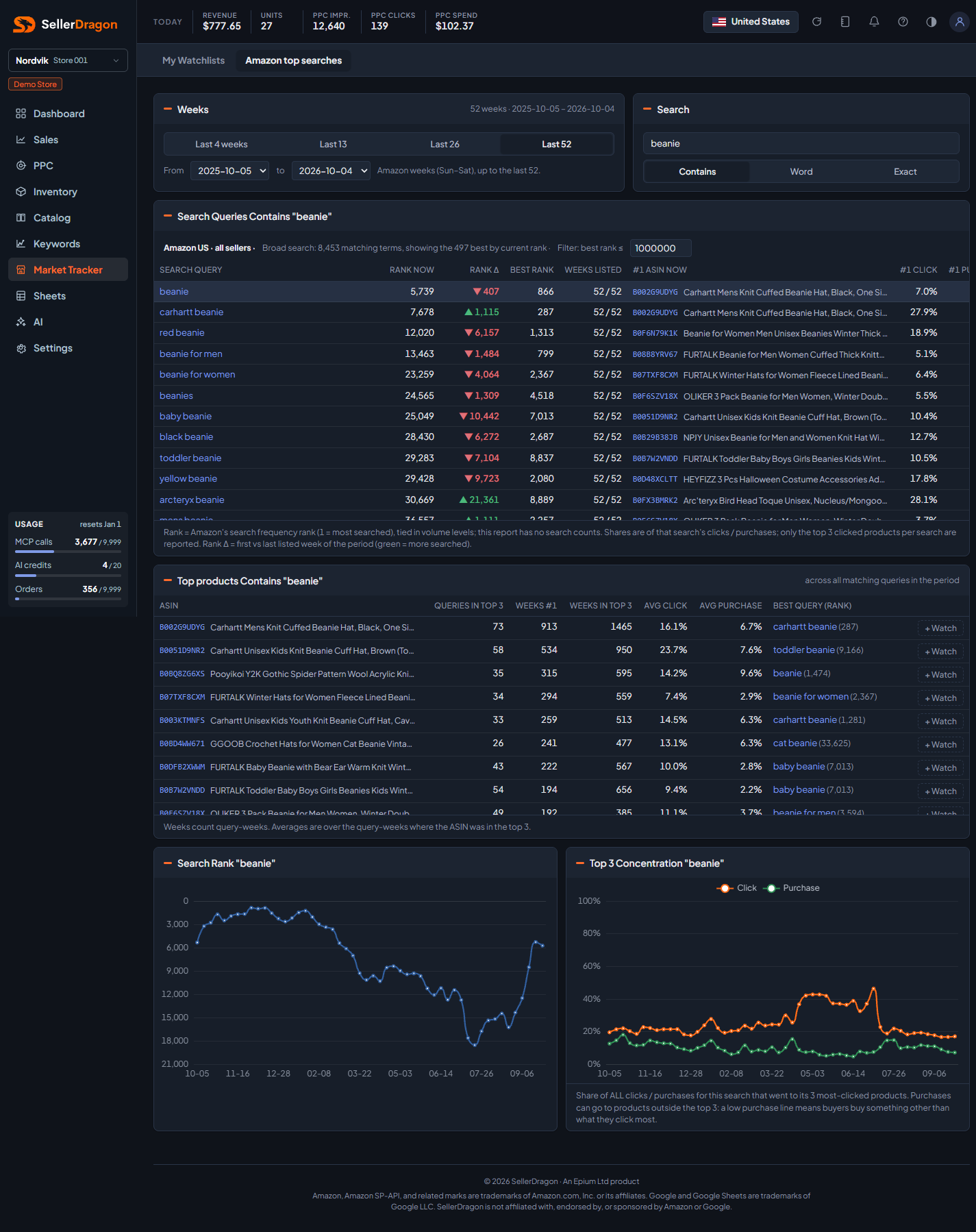
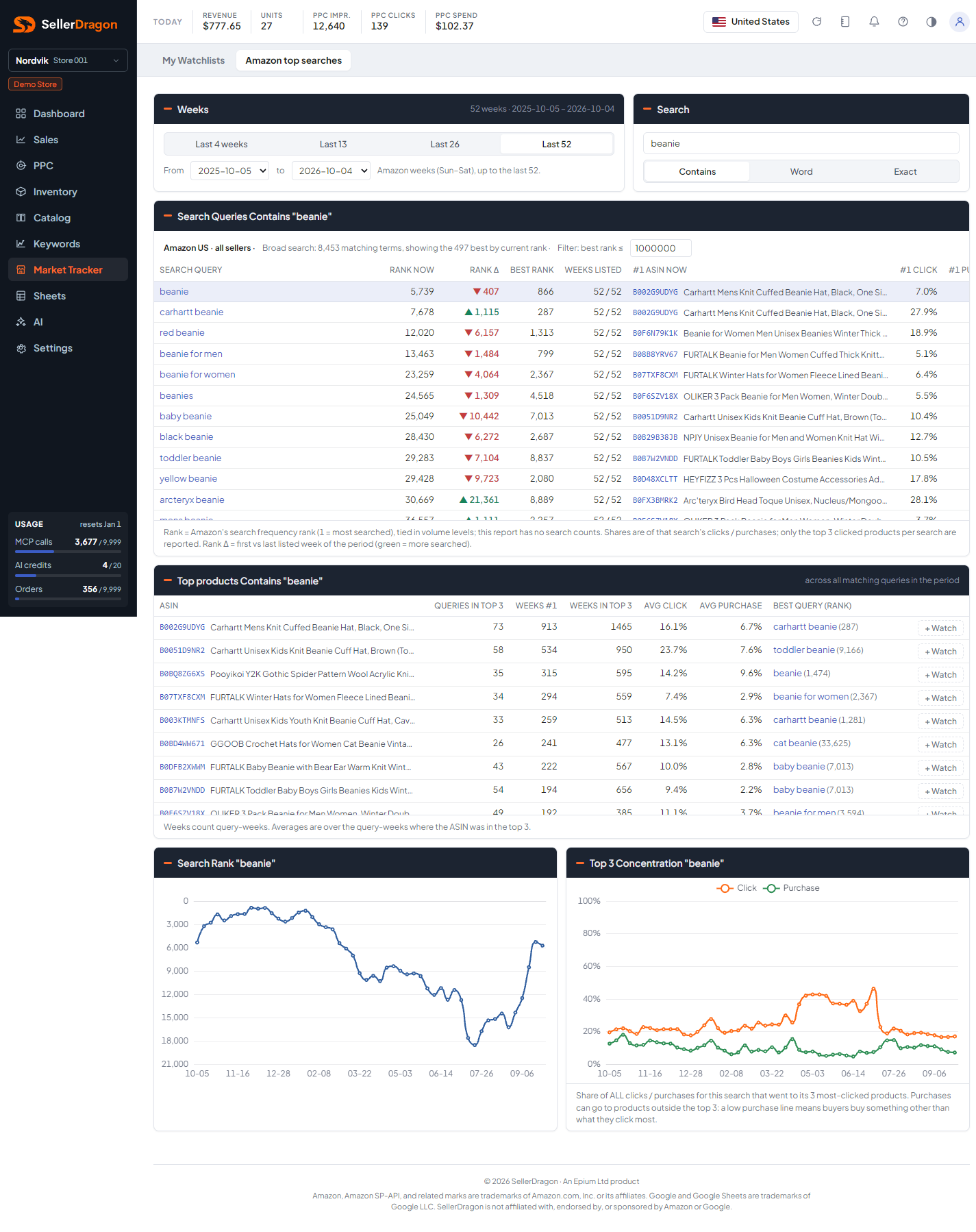
What this page answers
What people actually type into Amazon around your product, how those searches rise and fall, and which products win them. This is market research; the data is not about your account.
Whose data and scope
- One marketplace, every seller. The data is Amazon's search terms report from Brand Analytics, published per week (Sunday to Saturday), up to the last 52 weeks.
- The report gives a search frequency rank per term, not a search count, and only the three most-clicked products per search with their click and purchase shares. Rank 1 is the most-searched term that week; ties sit in volume levels.
- Your own products are recognised from your listings, so the "You in top 3" column needs no Amazon fetch. Competitor details are fetched from Amazon's catalog on demand and cached.
How to read it
Weeks picker
Last 4, 13, 26 or 52 weeks, or a From and To week. The chosen period applies to the table, the charts and the popups.
Search box
Type at least two characters. Contains matches anywhere in the term, Word matches whole words, Exact matches the term itself. A very broad search is capped to the best few hundred terms by current rank, and the header says so; a filter on best rank narrows it.
Search queries table
One row per matching term:
- Rank now is the latest week's search frequency rank. Rank Δ is first versus last listed week of the period; green means the term is searched more now. Best rank is the best rank in the period.
- Weeks listed is how many of the period's weeks the term appeared in the report.
- #1 ASIN now is the most-clicked product in the latest week, with its #1 click and #1 purchase share of that search.
- Top 3 click and Top 3 purchase are the shares taken by the three most-clicked products together. A low purchase share next to a high click share means buyers buy something other than what they click most.
- You in top 3 marks your own products when they are among the three.
Click a row to make it the focus of the charts.
Focus query charts
For the focused term: search rank per week (lower is better, so the axis is inverted) and the top-3 concentration of clicks and purchases per week.
Tabs and popups
Search query popup
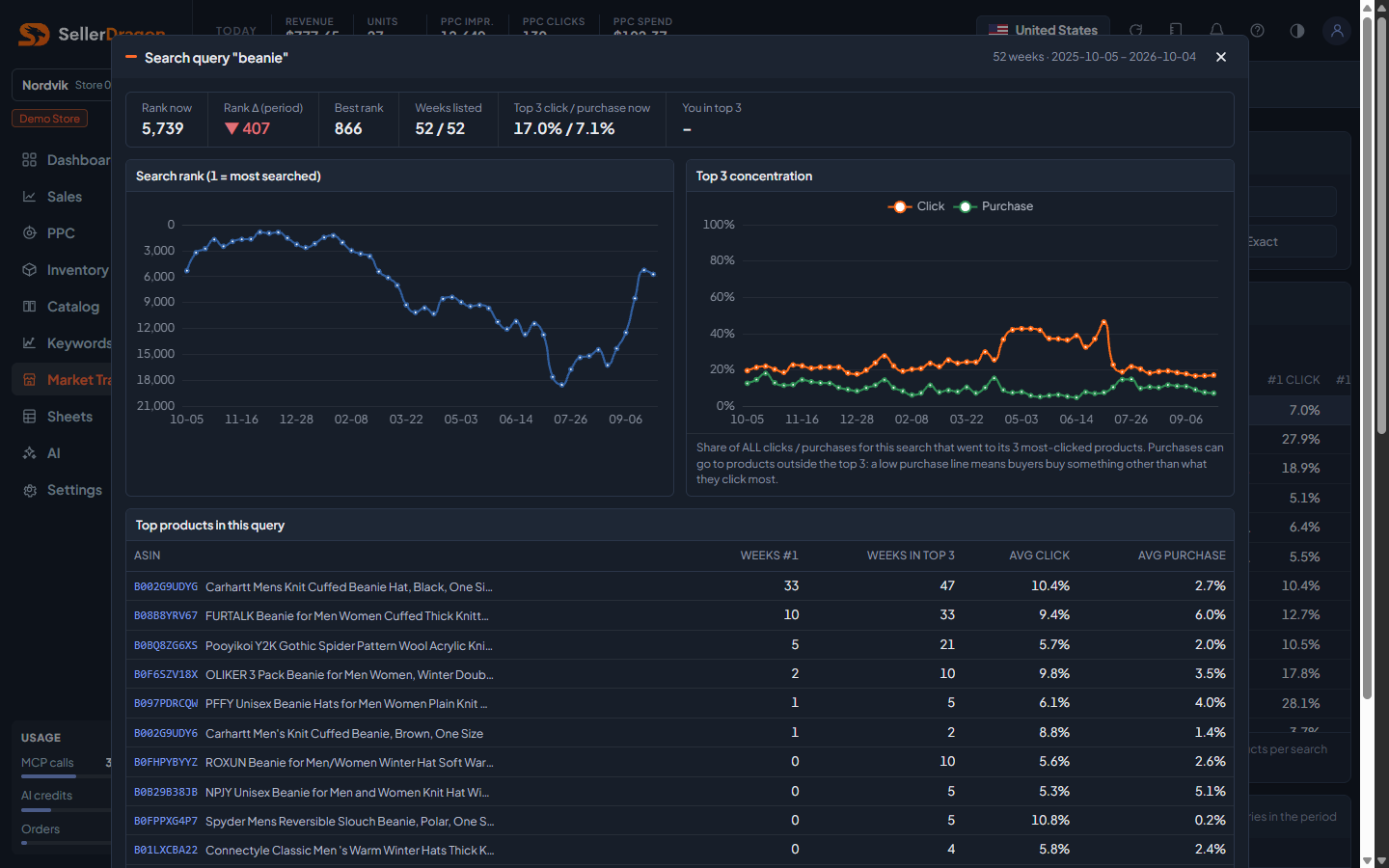
The same two charts for one term, with tiles for rank now, rank change, best rank, weeks listed, top-3 click and purchase share now, and whether you are in the top 3. Below, the Top products in this query table: every product that held a top-3 spot in the period, with weeks at number one, weeks in the top 3, and average click and purchase share. The greyed + Watch button next to competitor products is a placeholder for a coming competitor-watch feature.
ASIN popup
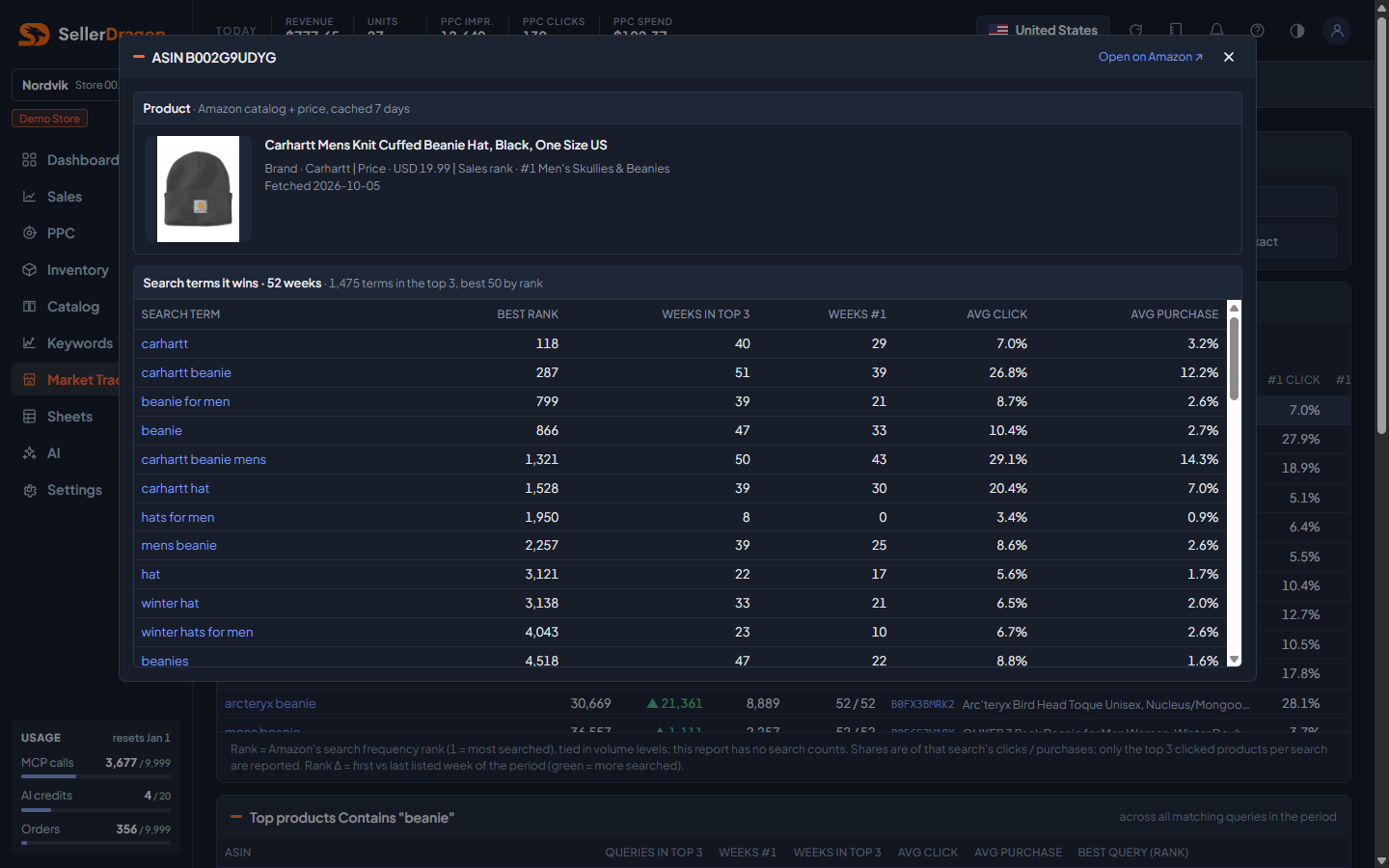
One product: title, brand, price, sales rank and an Open on Amazon link from the catalog (fetched on first open, then cached), and the search terms it is in the top 3 for in the period, with best rank, weeks in the top 3, weeks at number one and average shares (the best 50 by rank).
Where to go next
- My Watchlists to follow a set of terms week by week and track the products that win them.
- Search performance (SQP) for your own numbers on a search.
- Keyword rankings to track your organic position.