

What this page answers
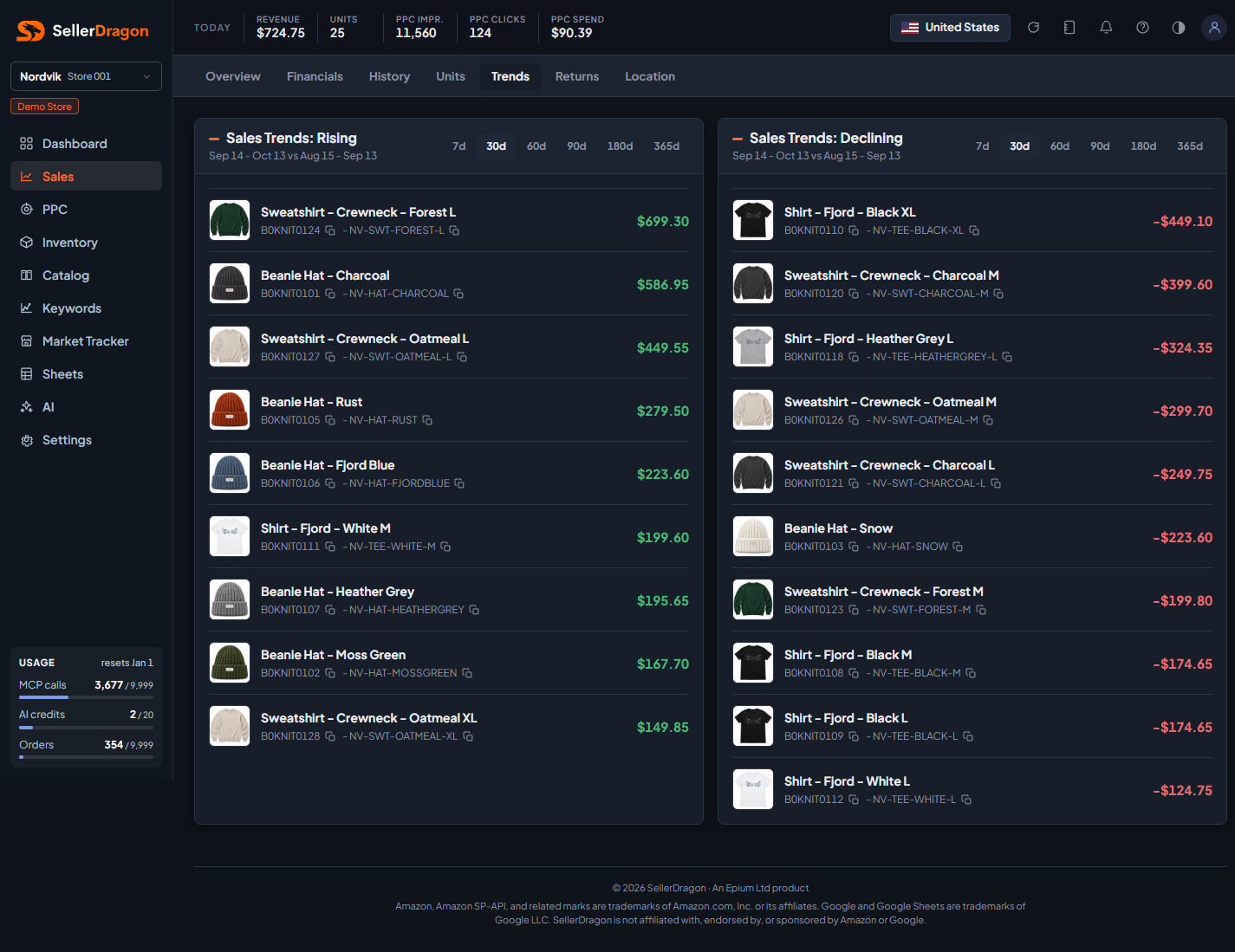
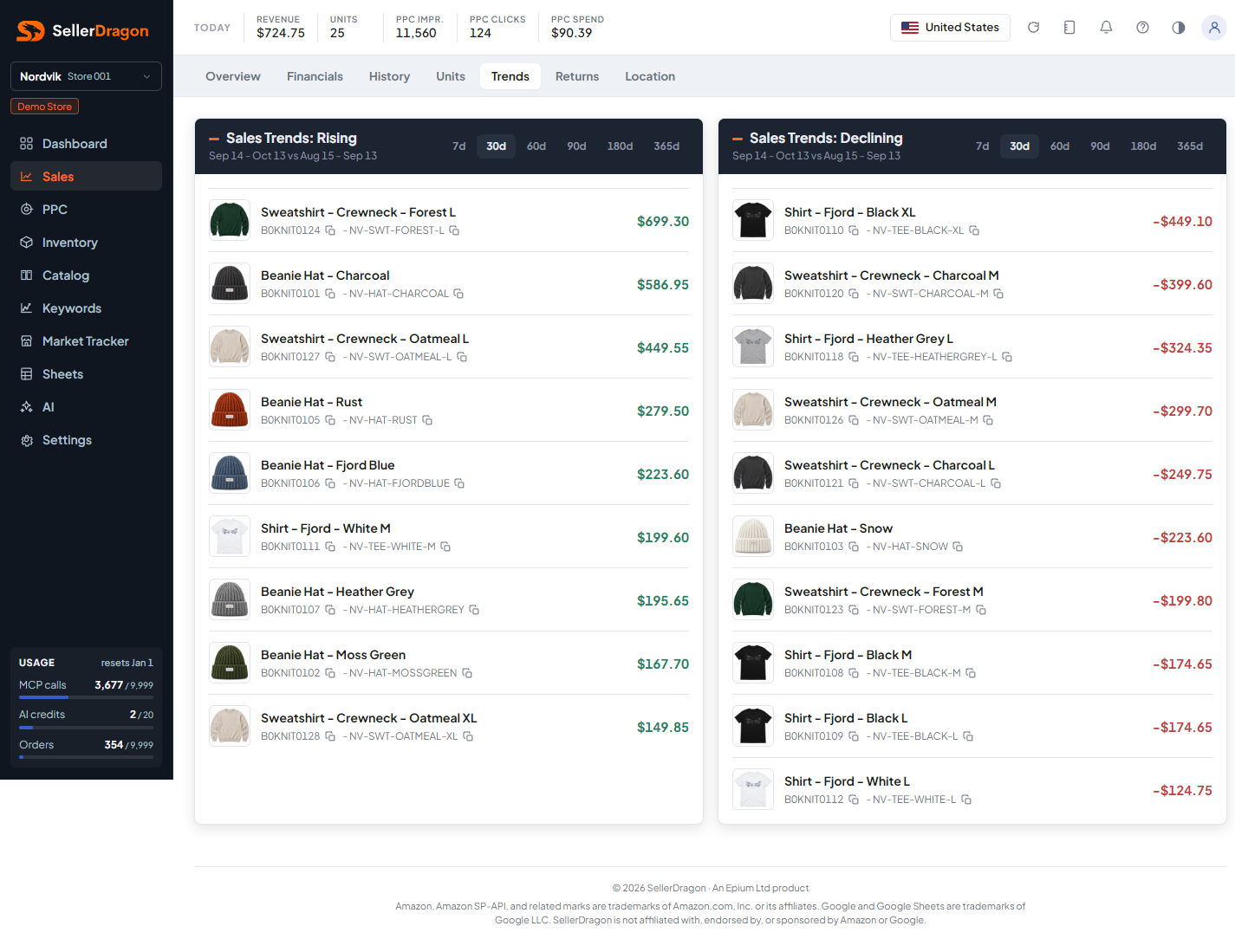
Which products are gaining and which are losing, in money terms, so you know where to look first.
Whose data and scope
- One store and one marketplace.
- Revenue is ordered product sales from orders by order date. The window ends yesterday; the comparison window is the same number of days immediately before it. Both ranges are printed under each heading.
How to read it
Rising list
Each panel has its own window switch (7 to 365 days). The list shows up to ten products sorted by the change in revenue between the two windows. The amount shown is that change, not the revenue itself. A product that did not sell in the earlier window and sells now appears here with its whole revenue as the change.
Declining list
The mirror image: up to ten products with the largest drop in revenue. A product that sold before and not at all in the current window shows its full previous revenue as a negative change.
Product names link to the listing page, where the Sales & Ads tab shows the longer history.
Where to go next
- Sales overview for totals and the bestseller table.
- Keyword rankings to check whether a decline matches a drop in rank.
- PPC manager to check whether ad spend moved with the sales.
Something on this page unclear?
Ask us how