

What this page answers
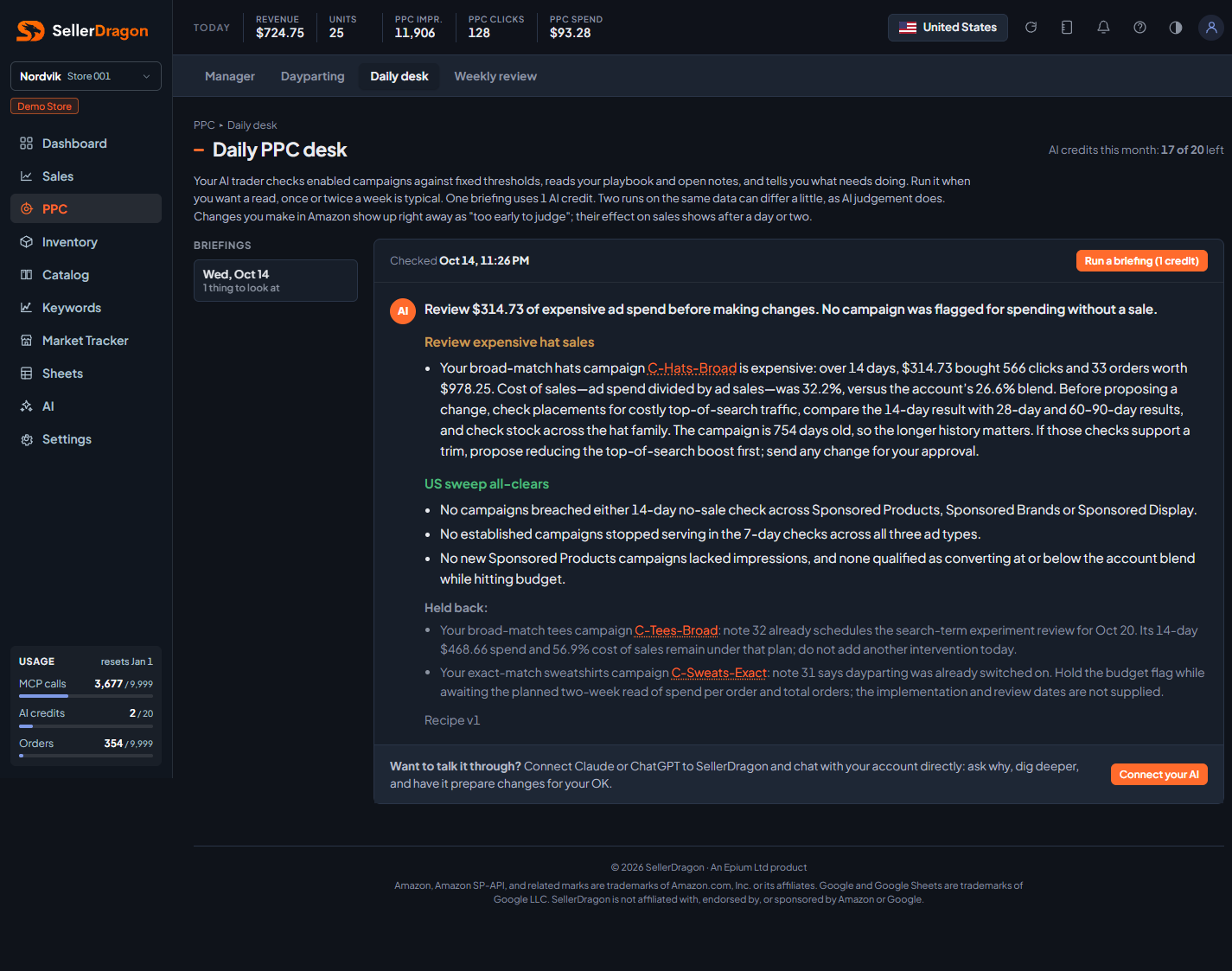
"What should I look at in my ads today?" in one readable message, written by the AI from the same data and the same rules every time.
Whose data and scope
- One store, all its marketplaces that run ads. Enabled campaigns across Sponsored Products, Sponsored Brands and Sponsored Display.
- The briefing is deterministic in what it reads: a fixed sweep recipe (ours, versioned, shown as "Recipe v1" under the briefing) runs the same checks on every account, for example 14-day spend with no sale, established campaigns that stopped serving in the last 7 days, new campaigns without impressions, and campaigns converting at or below the account's blended cost of sales while hitting budget. The AI then writes up the hits, taking your playbook and open notes into account.
- One briefing costs 1 AI credit from your monthly allowance. The credits line in the header shows what is left. Nothing in the briefing is written to your account or to Amazon.
- Two runs on the same data can differ a little in wording, as AI judgement does. Changes you made in Amazon show up right away as "too early to judge"; their effect on sales appears after a day or two.
How to read it
Briefings list
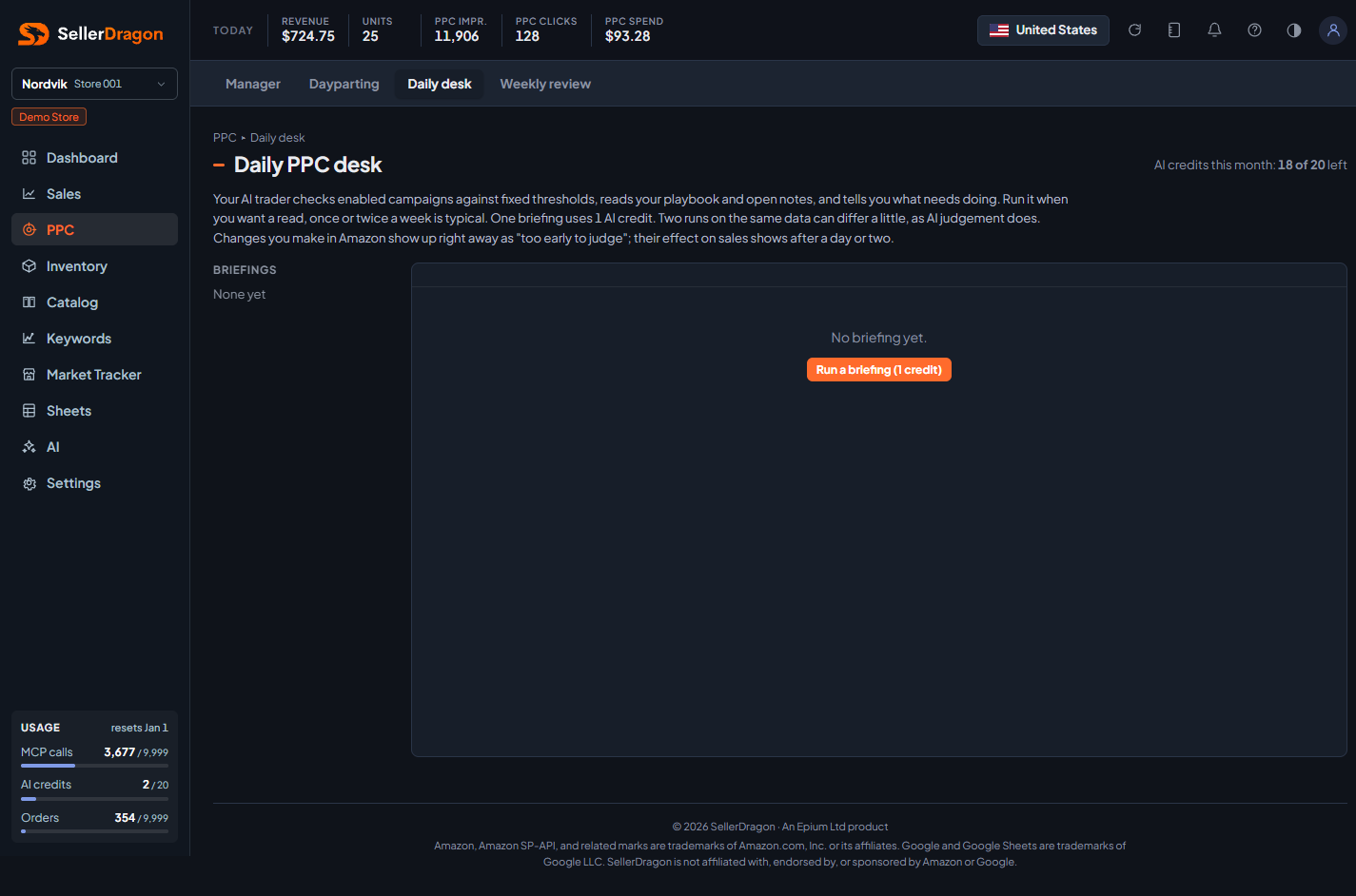
The left column lists past briefings by day, newest first, with a one-line count of things to look at. Click one to read it. Run a briefing starts a new one; it takes about a minute, and the page shows a rotating line while it works. If nothing has changed since the last run (same data, no new notes, no campaign changes) the page asks before spending a credit.
The briefing
- Headline: one sentence on the overall state, for example how much expensive spend to review and whether anything spent without selling.
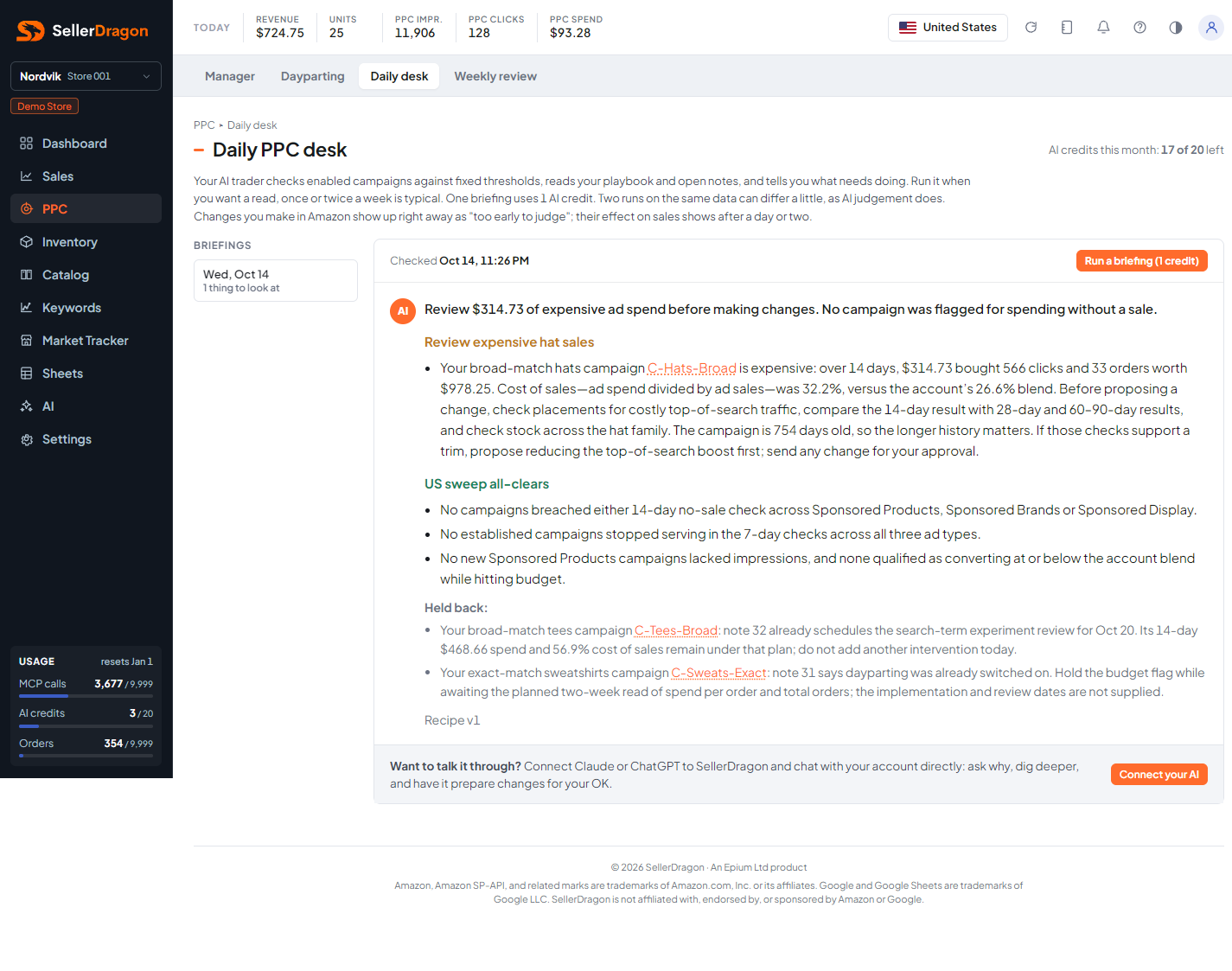
- Findings: one block per campaign that tripped a check, with the numbers (spend, clicks, orders, sales, cost of sales against the account blend, campaign age) and a suggested next step. The briefing suggests; it never changes anything.
- Sweep all-clears: the checks that found nothing, listed so you know they ran.
- Held back: campaigns that tripped a check but where a note or your playbook says to wait, with the note number or the quoted playbook words as the reason. This is where your own notes change what the AI says.
Campaign links
Campaign names in the briefing are links. Clicking one opens the PPC manager's campaign popup in place, with the last 30 days, so you can act on the finding without leaving the page.
Talking it through
The page has no chat. The line under the briefing points to connecting your own AI (Claude or ChatGPT) to SellerDragon through the AI menu; that AI reads the same account, playbook and notes, and any change it prepares still waits for your OK.
Where to go next
- PPC manager to act on a finding.
- Notes to see and set the notes the briefing reads.
- AI playbook to tell the AI how you want each area handled.
- AI connect to connect your own AI app.