

What this page answers
Whose account this is, what it is on, and what name and address the invoices carry.
Whose data and scope
- The whole account. Everyone sees the tiles; price and the billing line are shown to the owner only. Admins edit the company form; everyone else sees it read-only.
- The owner is the active user with the highest access level.
- A VAT number is checked against the EU register when it changes. New company details go on invoices from then on.
How to read it
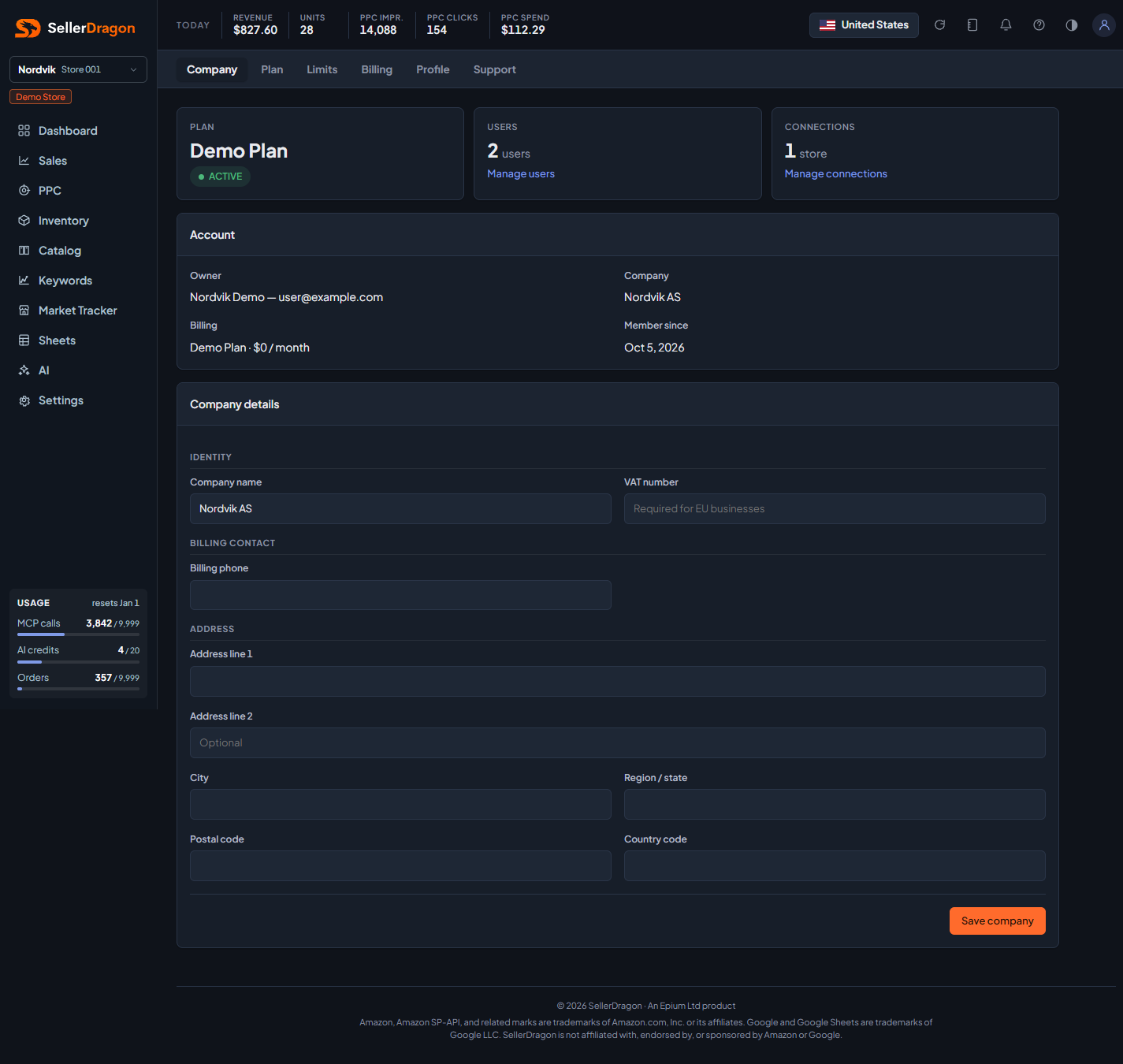
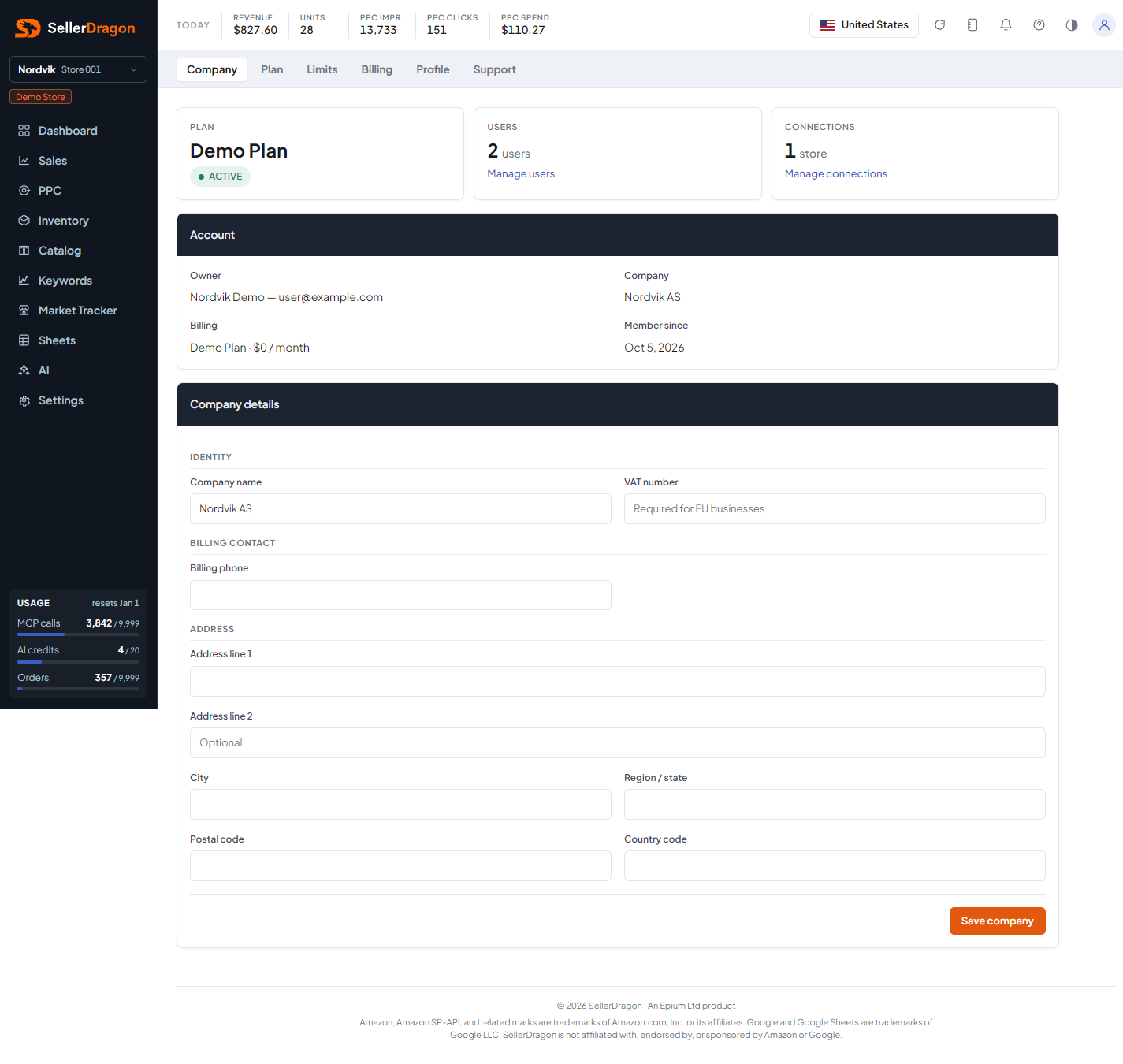
Account tiles
Owner, company name, plan name and status, the number of connected stores (paused stores count as connected), the number of users with a link to manage them, and the date the account was created.
Company details
Legal name, address, country and VAT number, saved with the form's button.
Where to go next
- Plan, Limits, Billing.
- Users and Amazon Connections.
Something on this page unclear?
Ask us how