

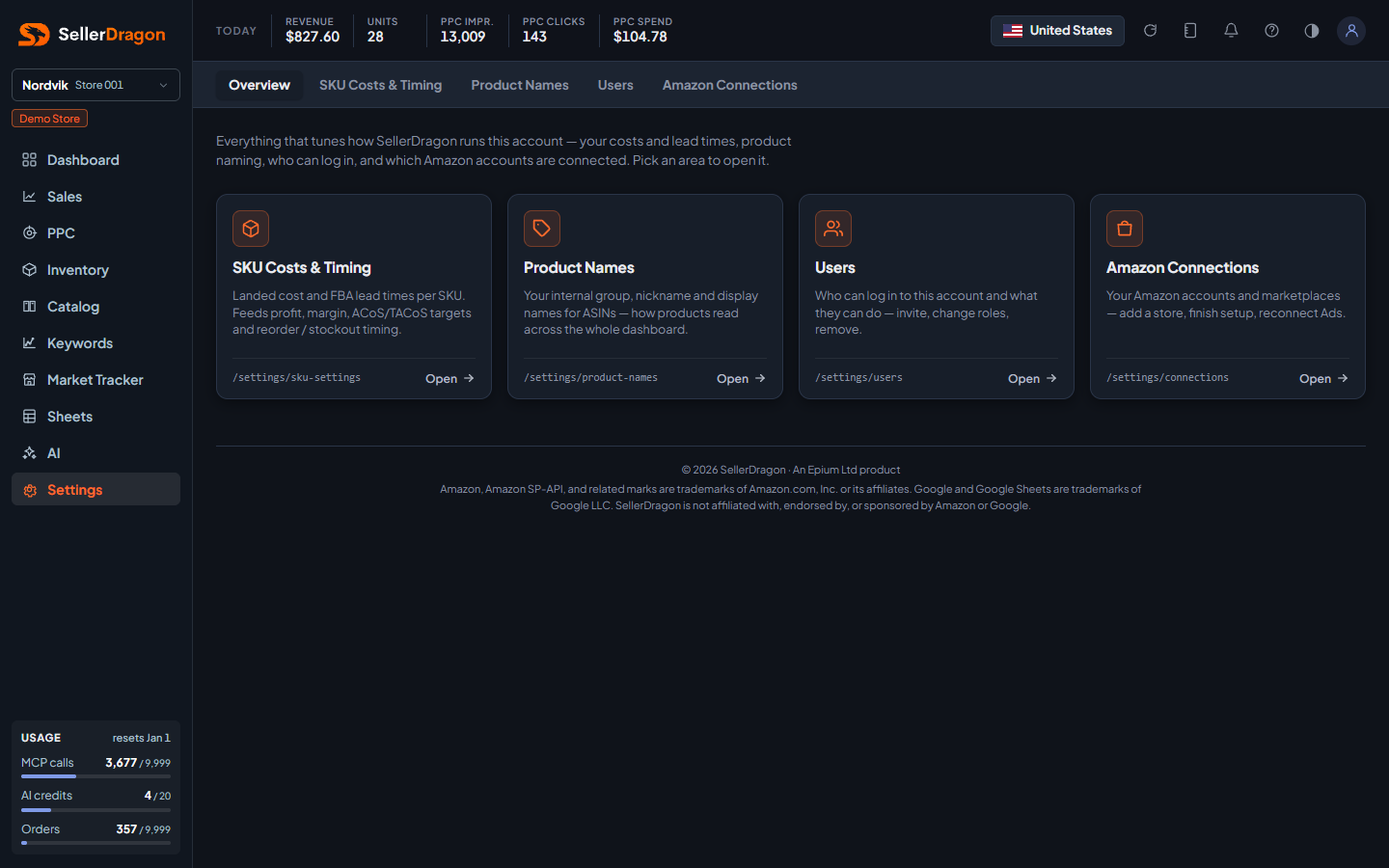
What this page answers
Where to tune how SellerDragon runs this account.
How to read it
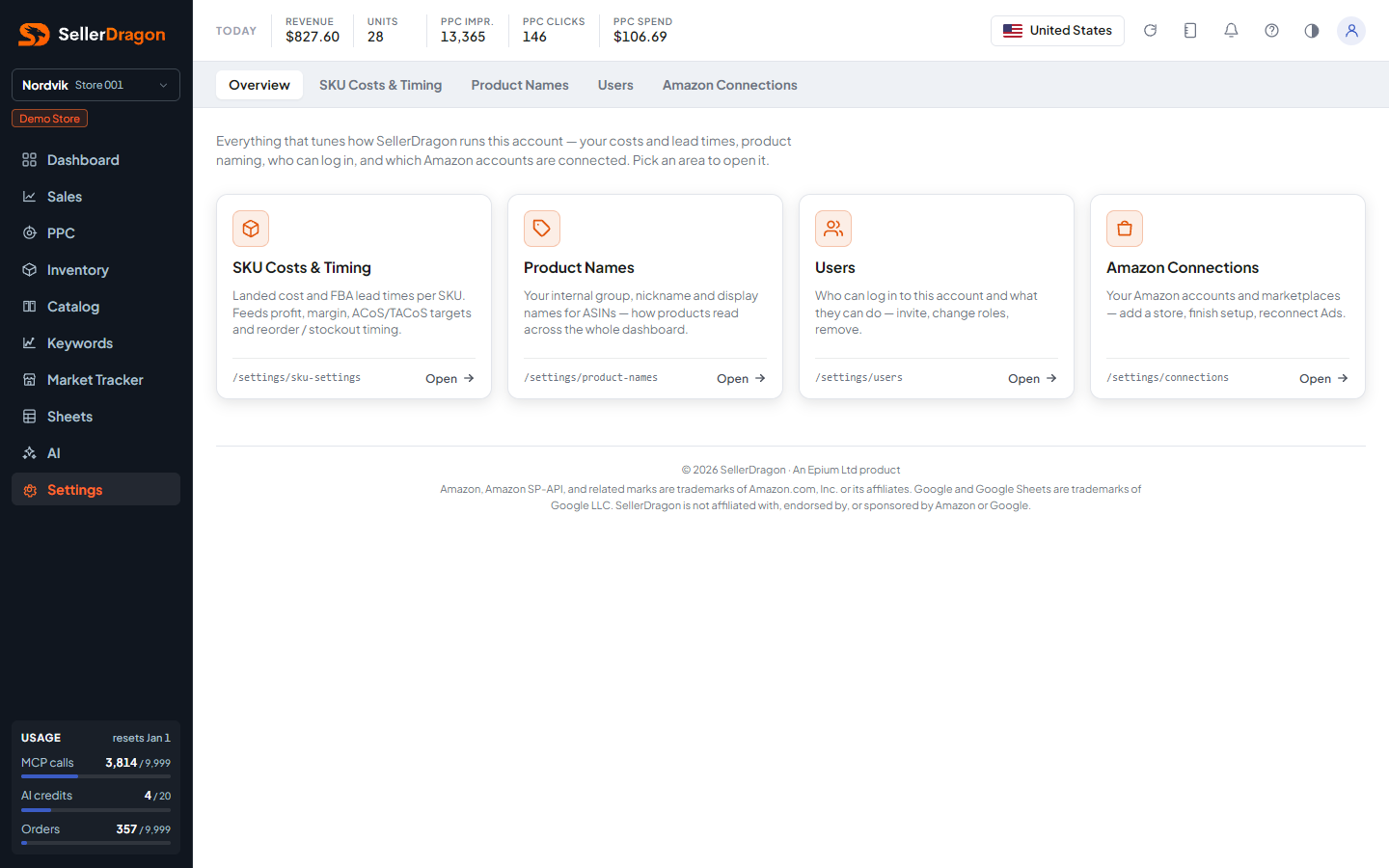
Area cards
- SKU Costs & Timing: landed cost and FBA lead times per SKU; feeds profit, margin, ACoS and TACoS targets and reorder and stockout timing.
- Product Names: your internal group, nickname and display names for ASINs, how products read across the whole dashboard.
- Users: who can log in to this account and what they can do; invite, change roles, remove.
- Amazon Connections: your Amazon accounts and marketplaces; add a store, finish setup, reconnect Ads.
Click a card to open the page.
Where to go next
- SKU Costs & Timing, Product Names, Users, Amazon Connections.
- Billing, plan and your own profile live under the avatar menu: Company, Plan, Limits, Billing, Profile, Support.
Something on this page unclear?
Ask us how